RGB Docking Station
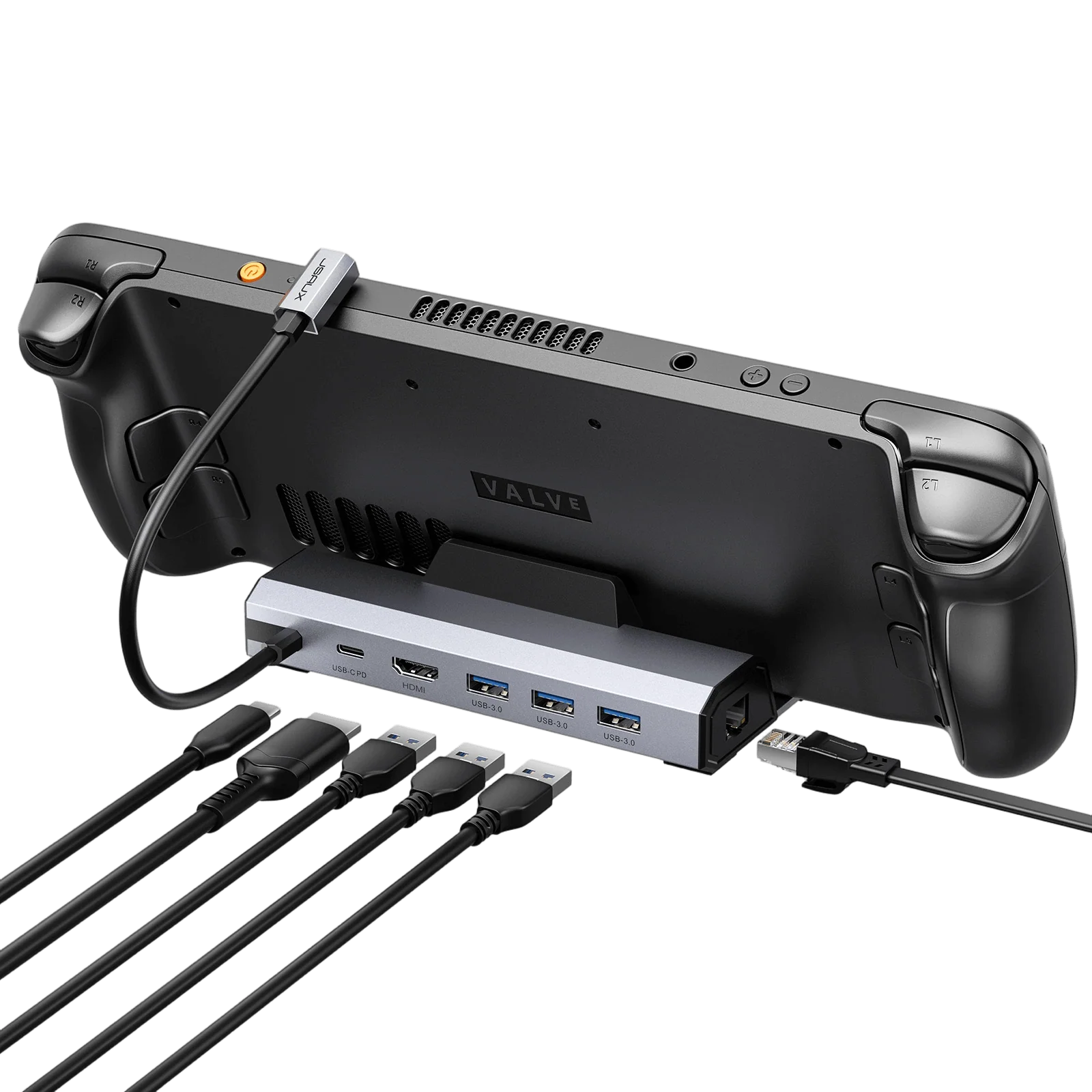
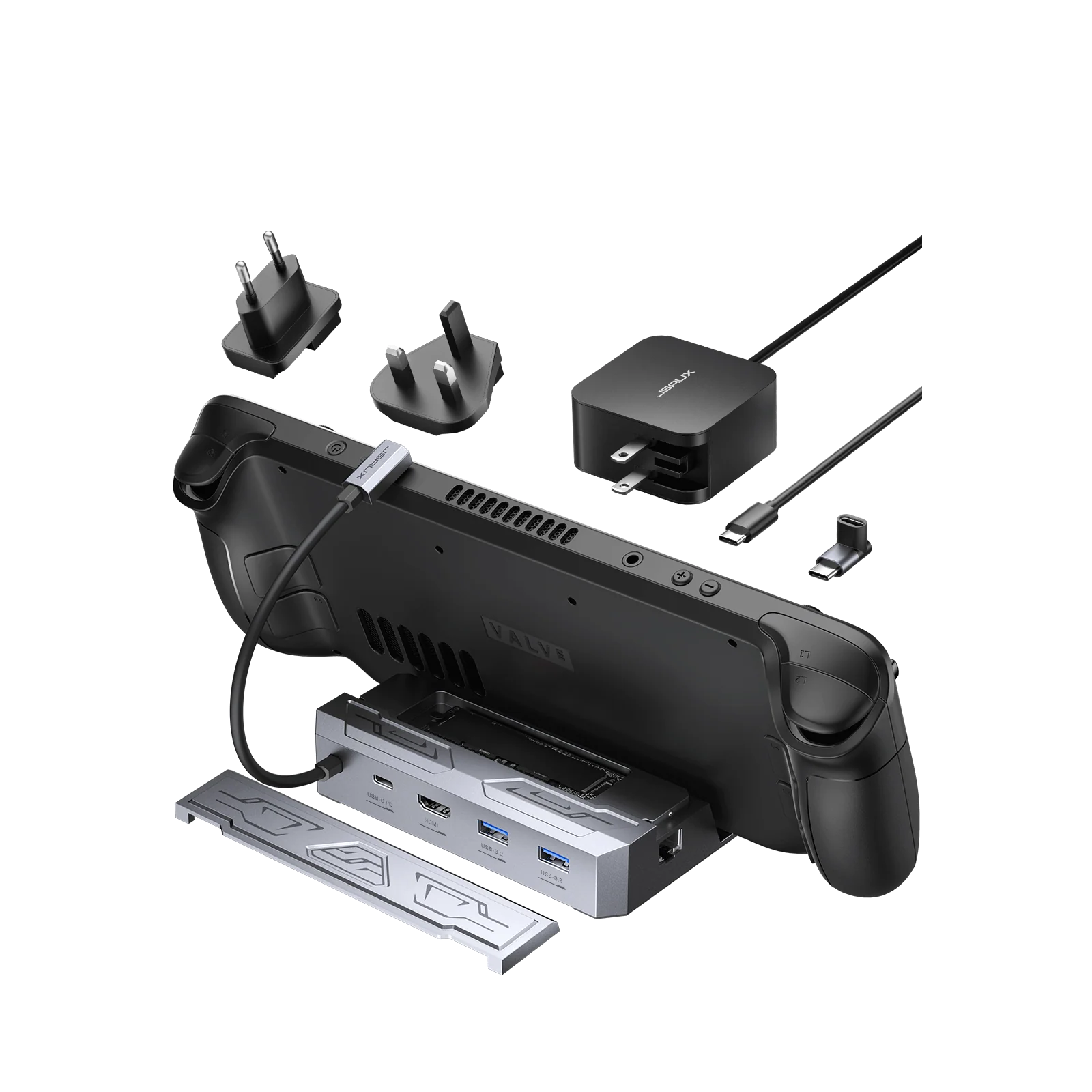
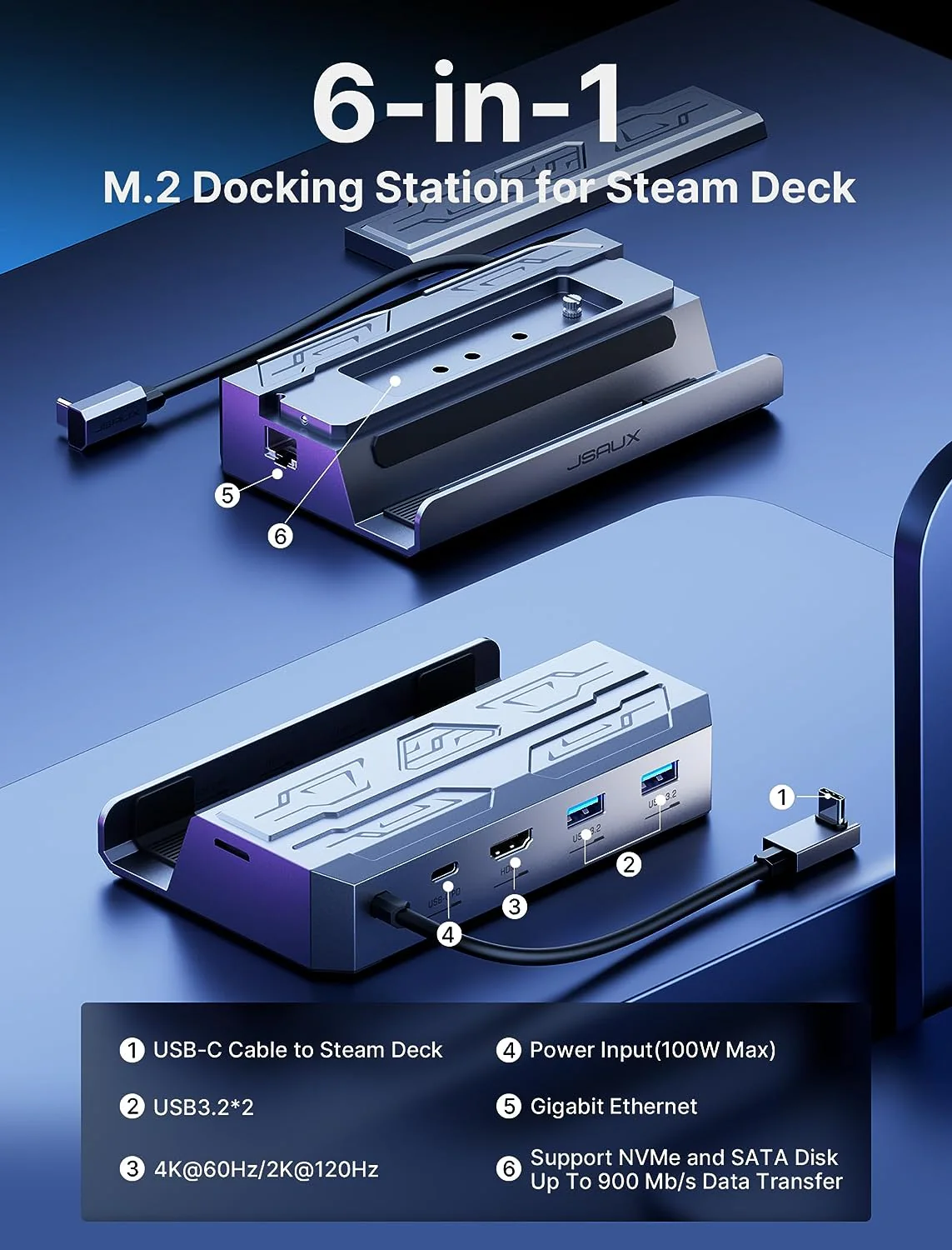
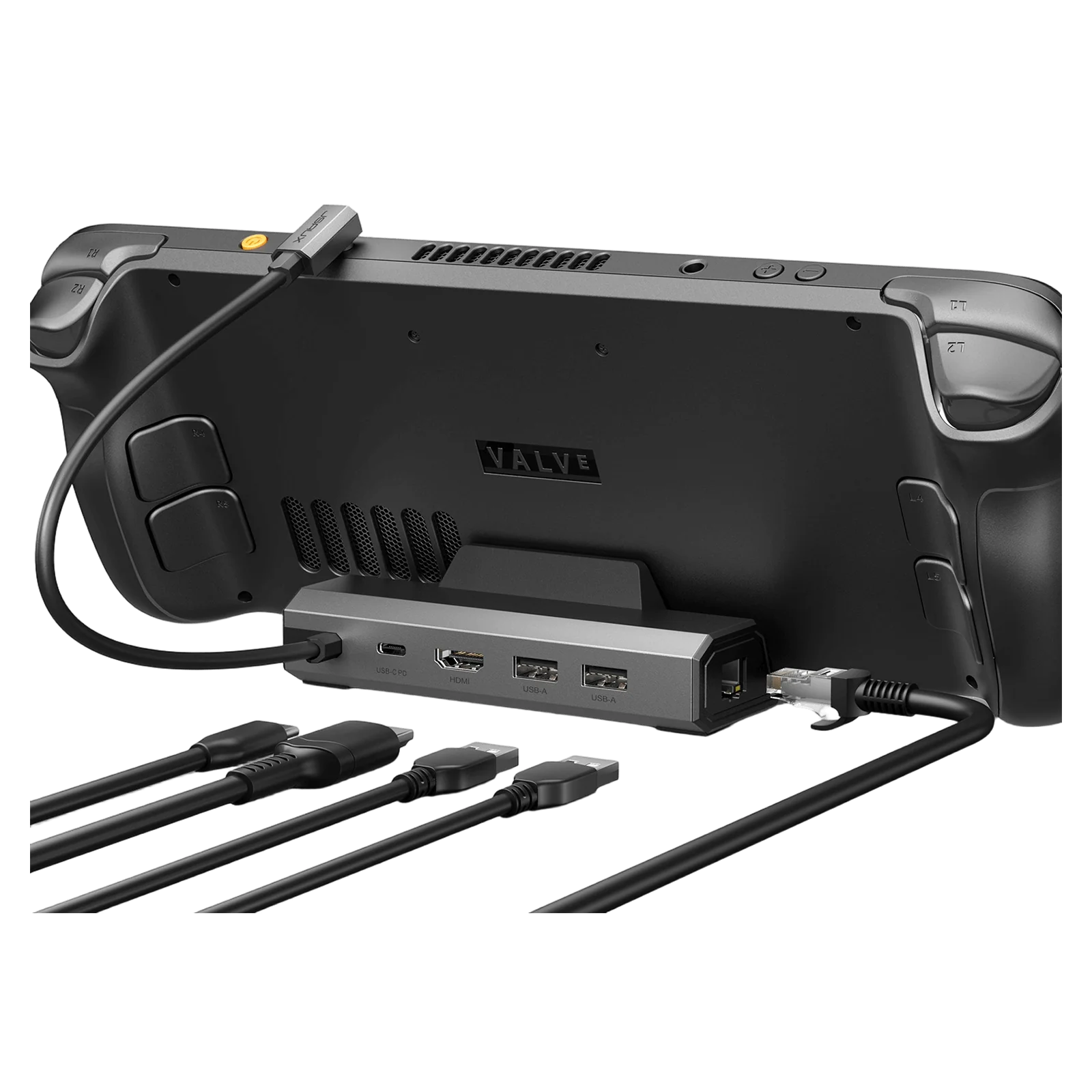
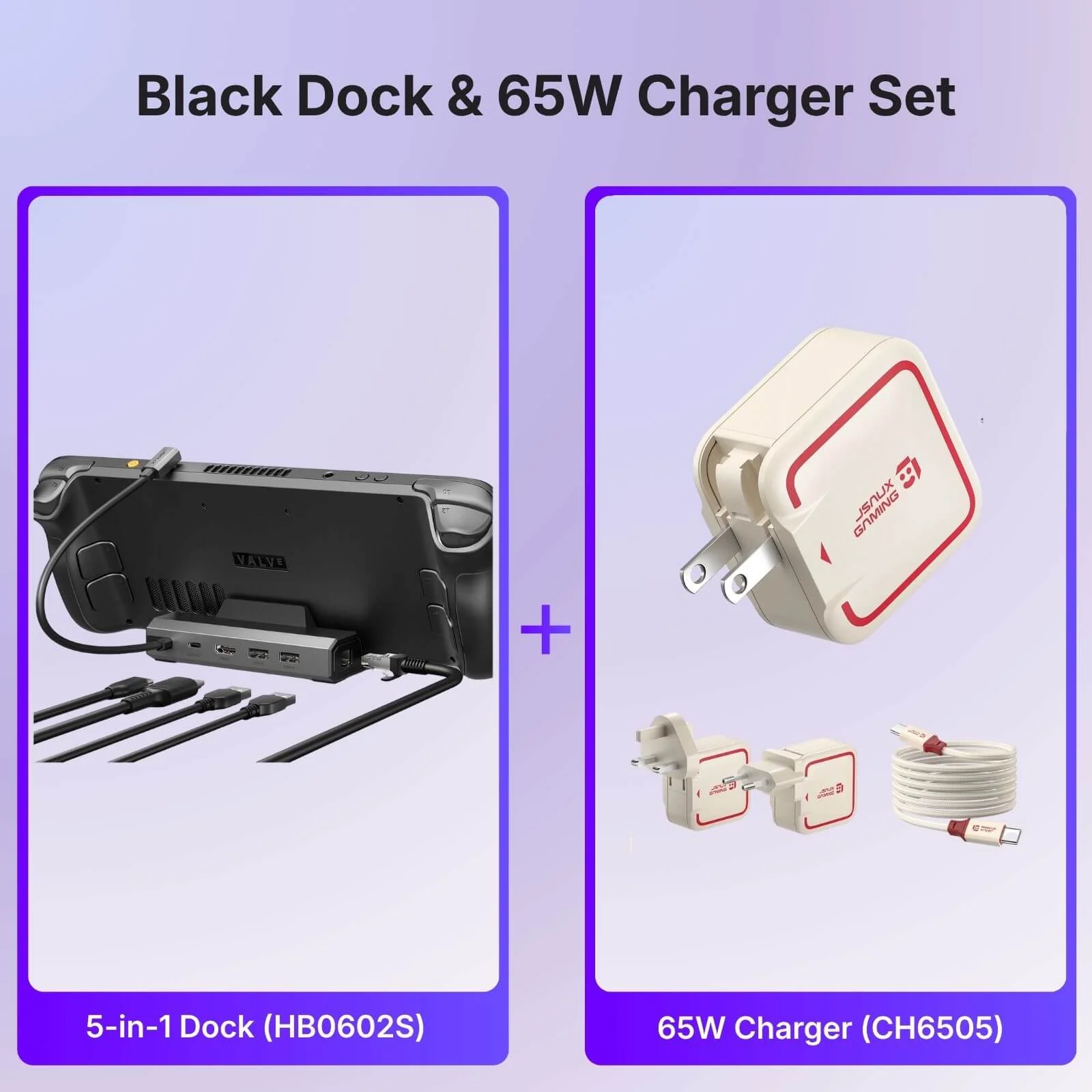
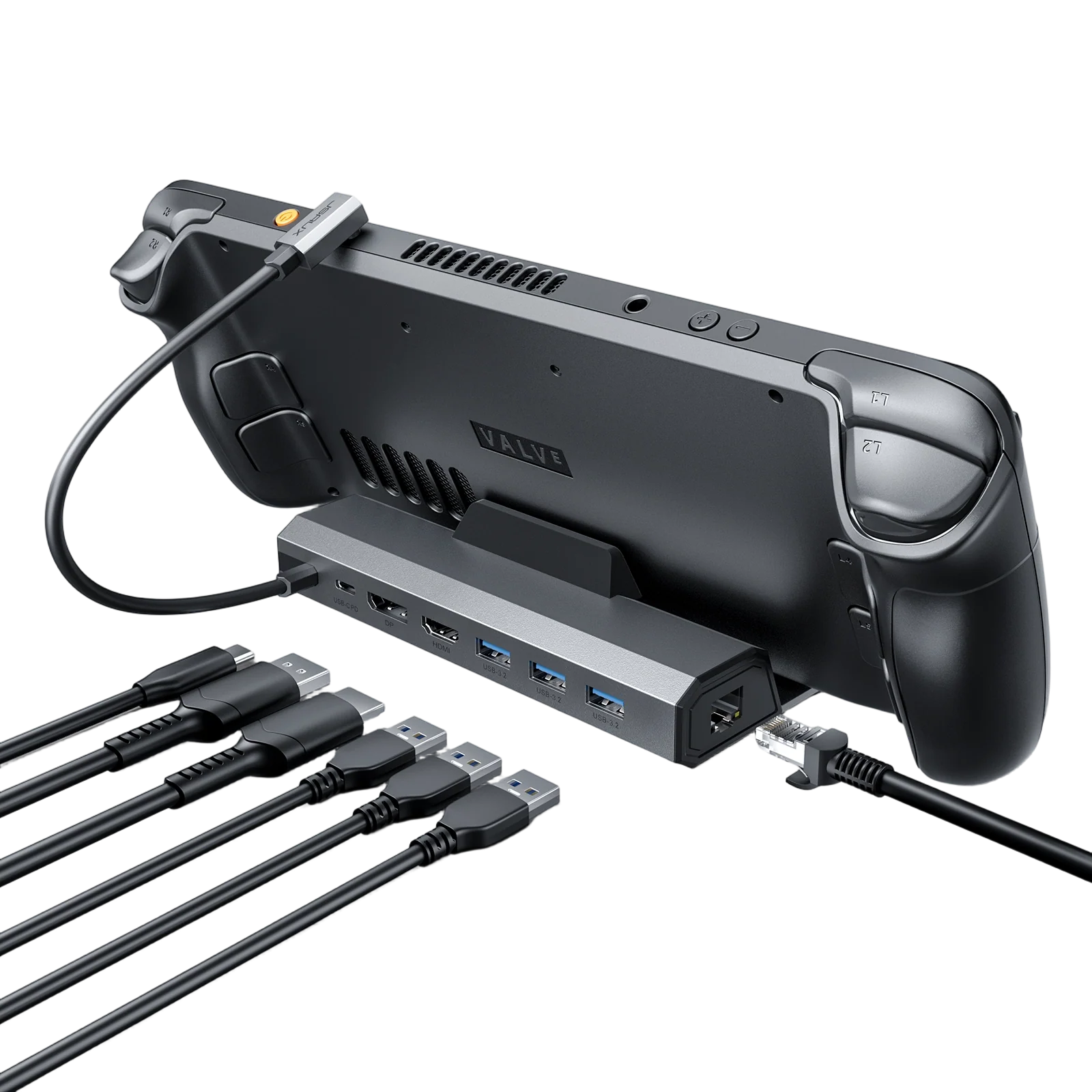
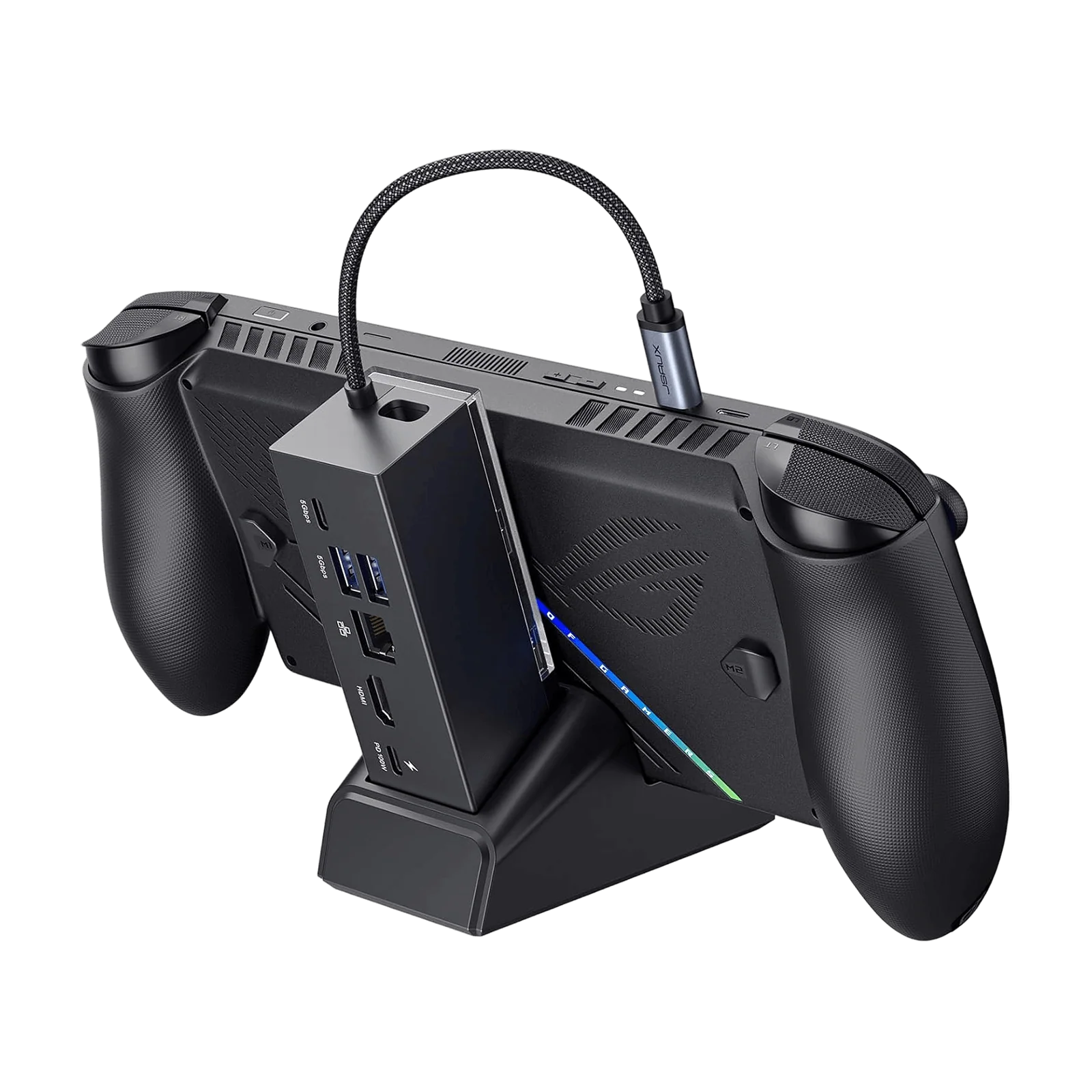
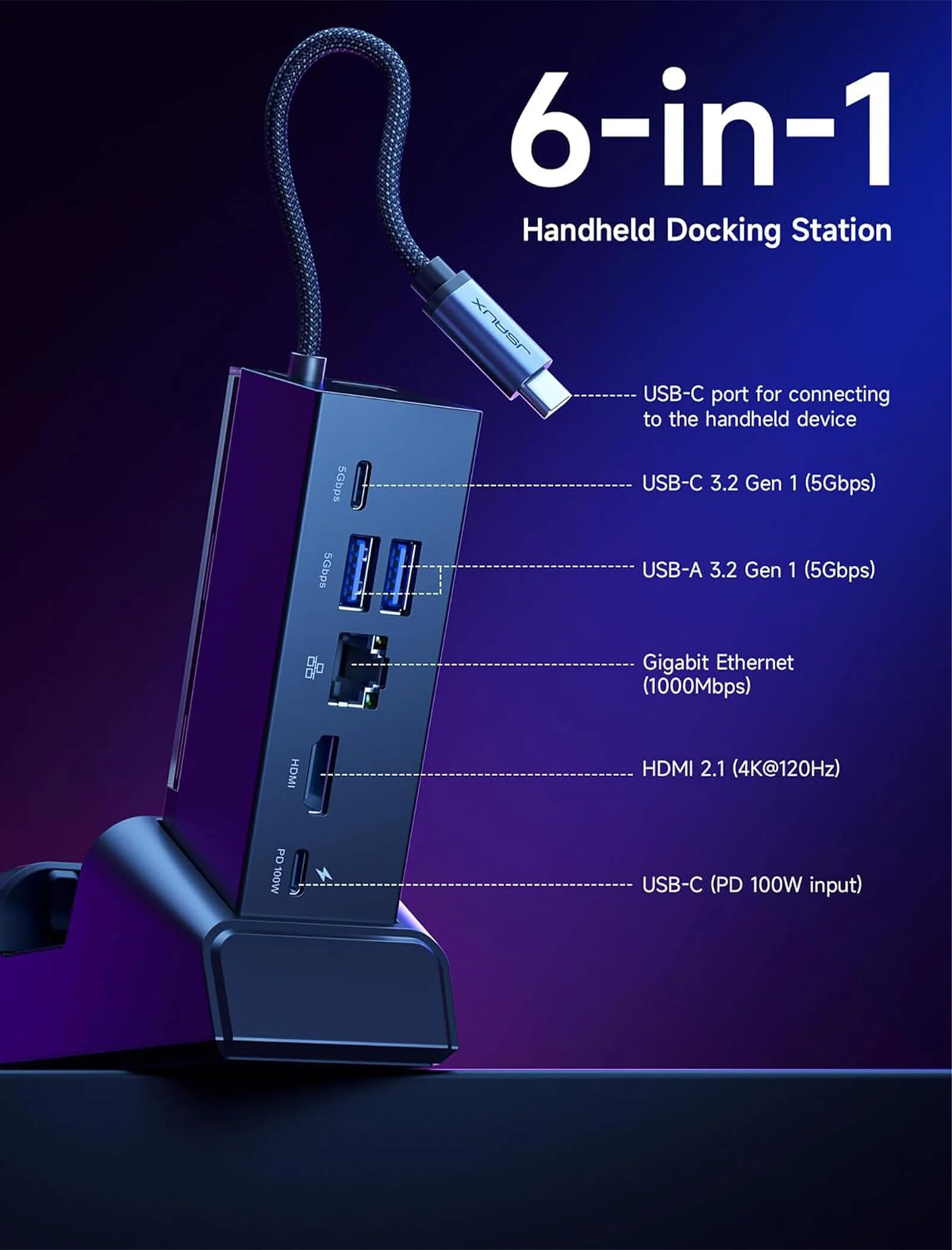
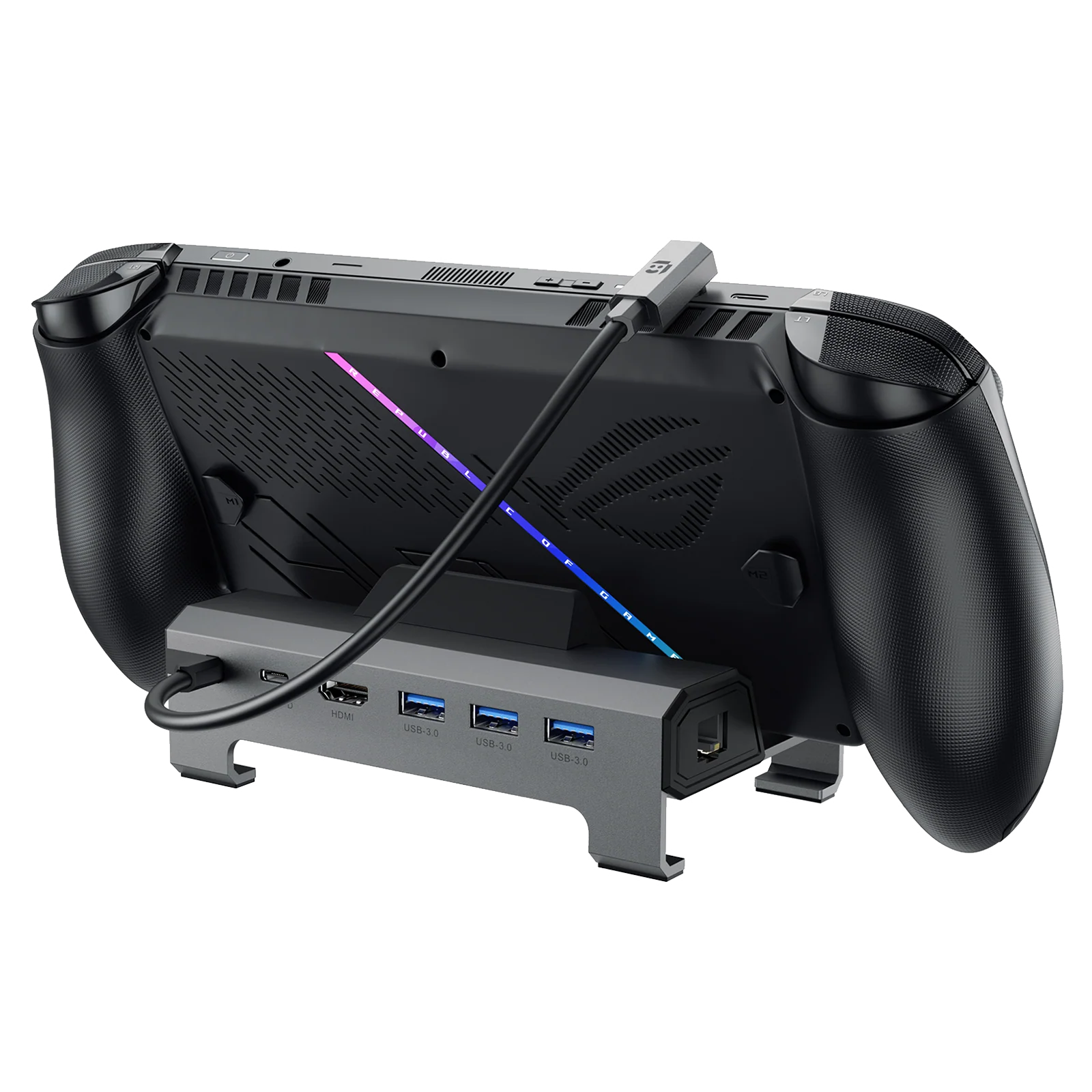
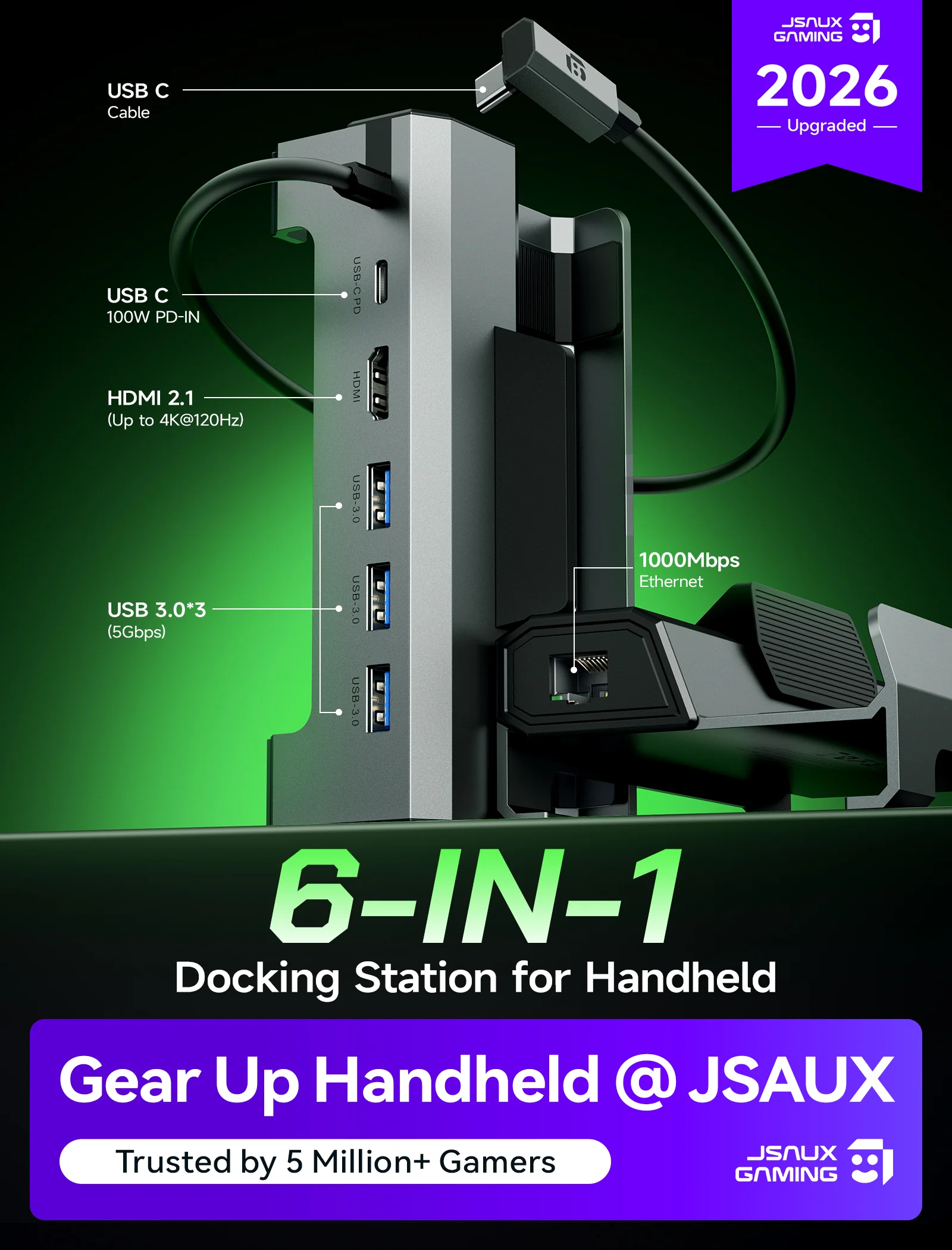
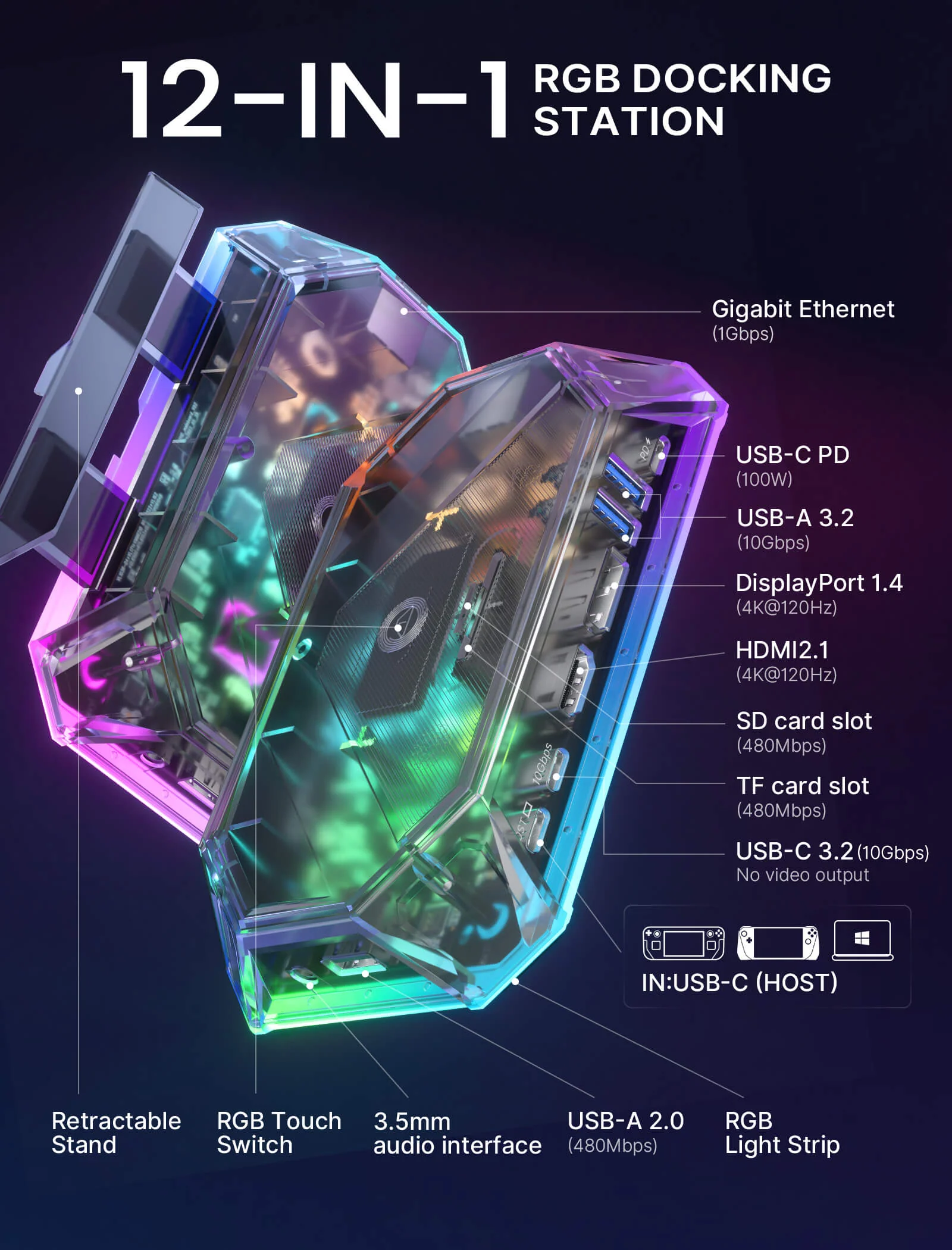
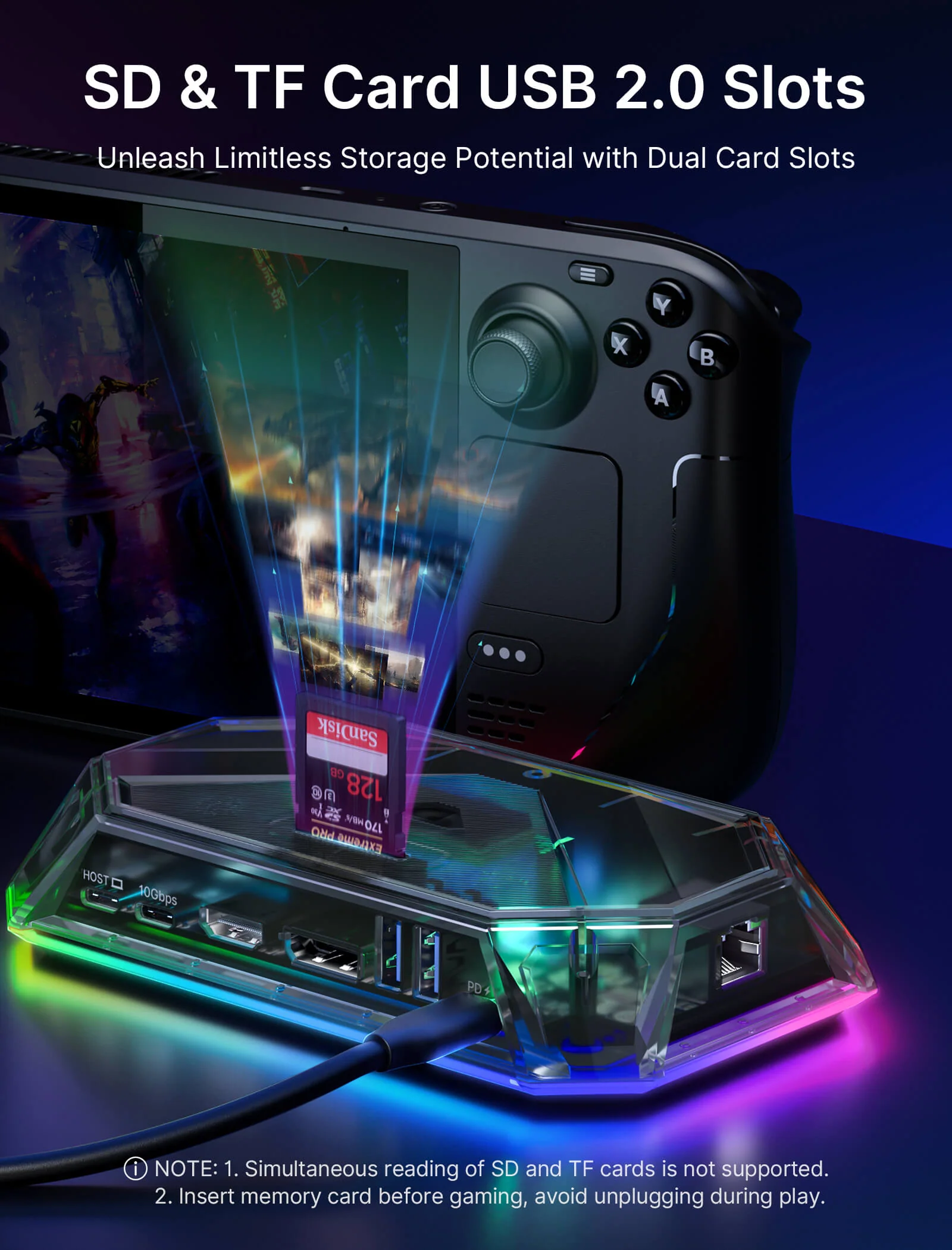
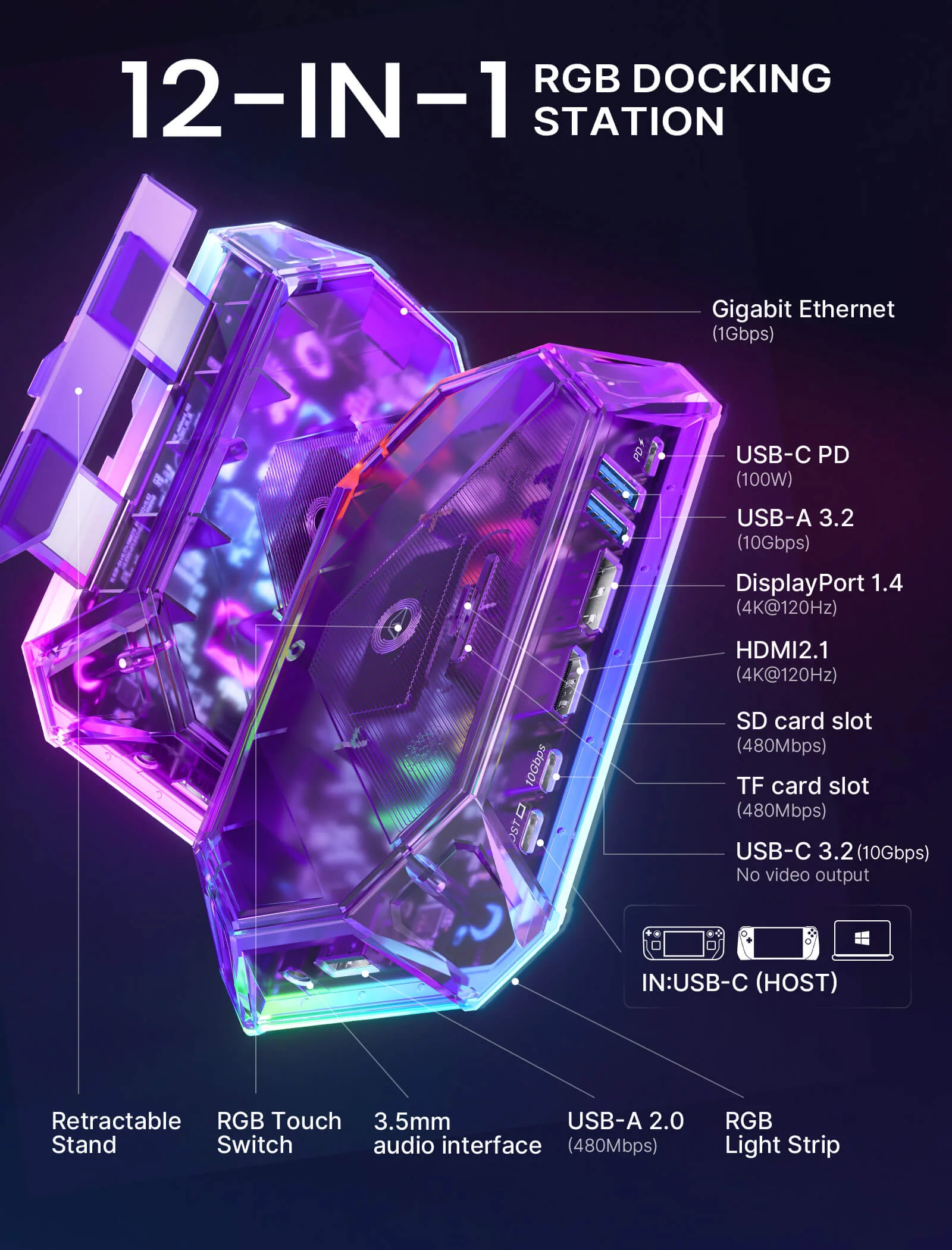
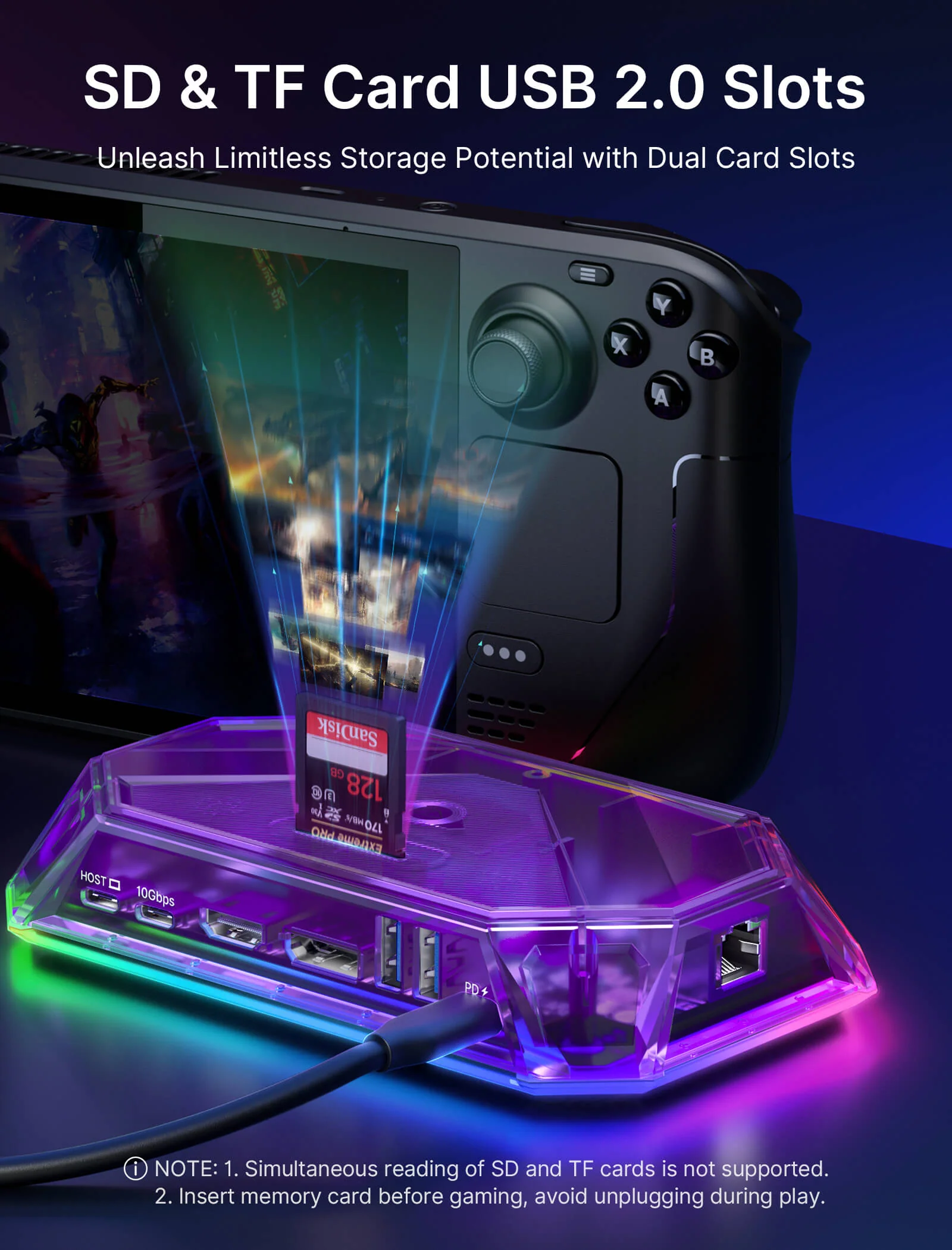
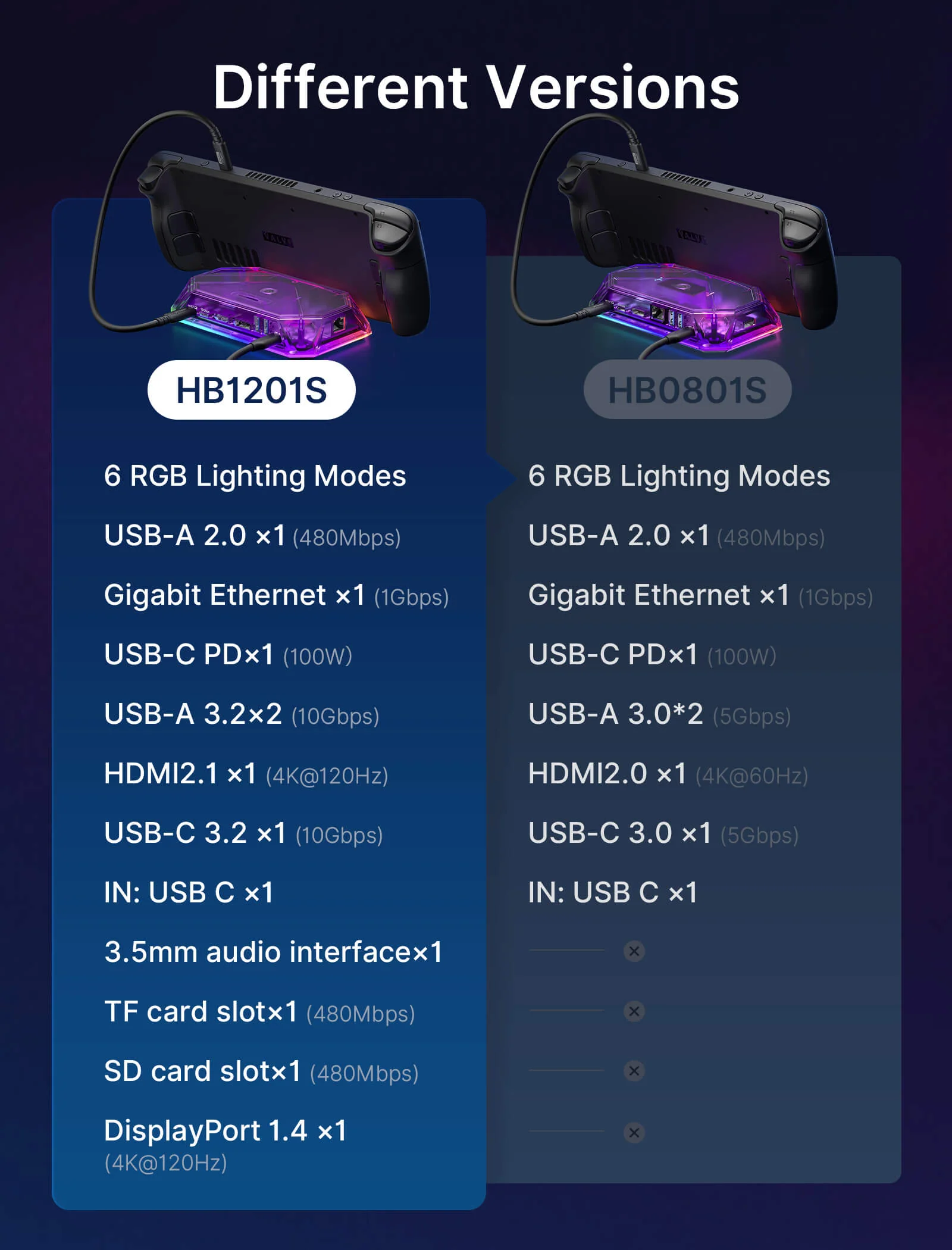
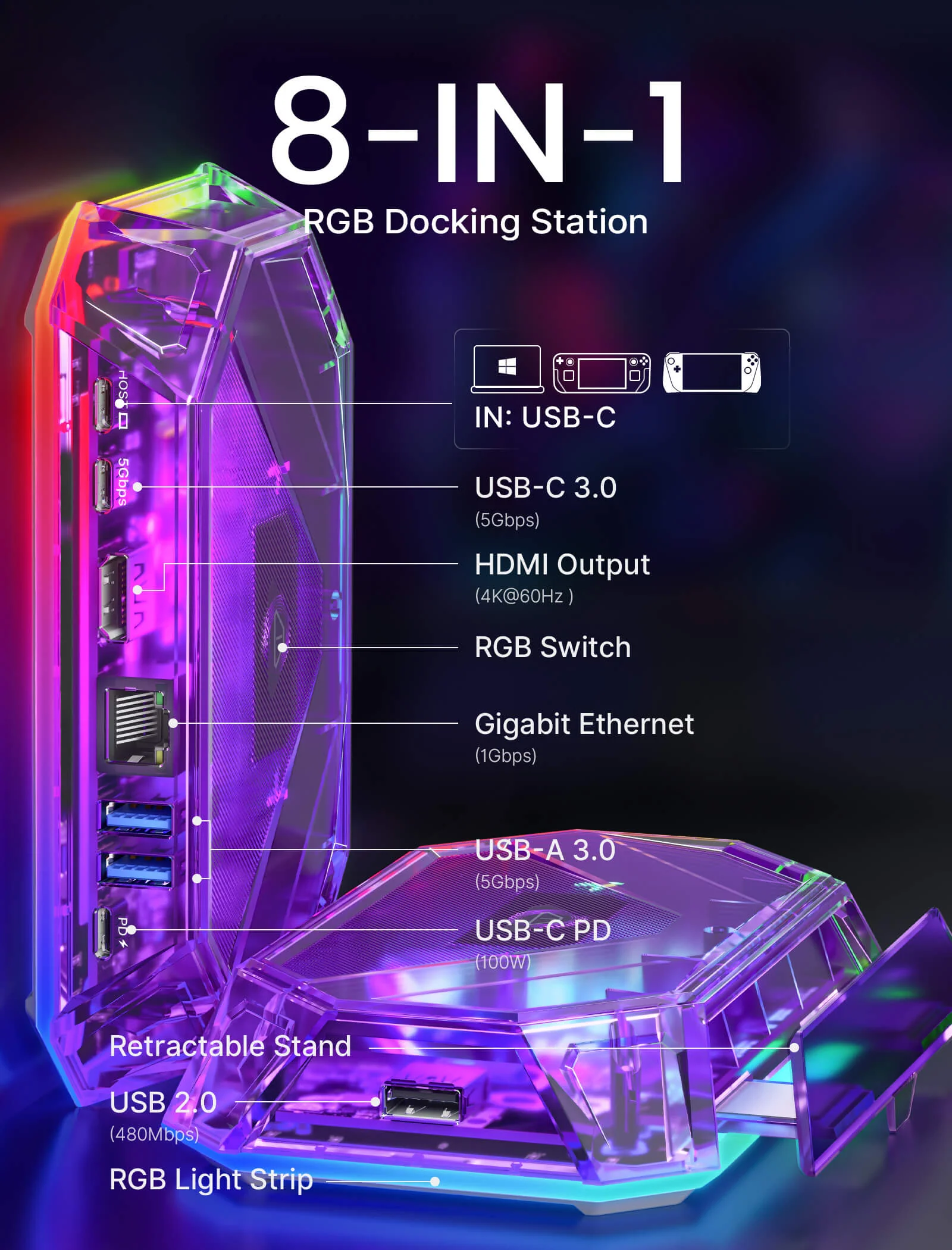
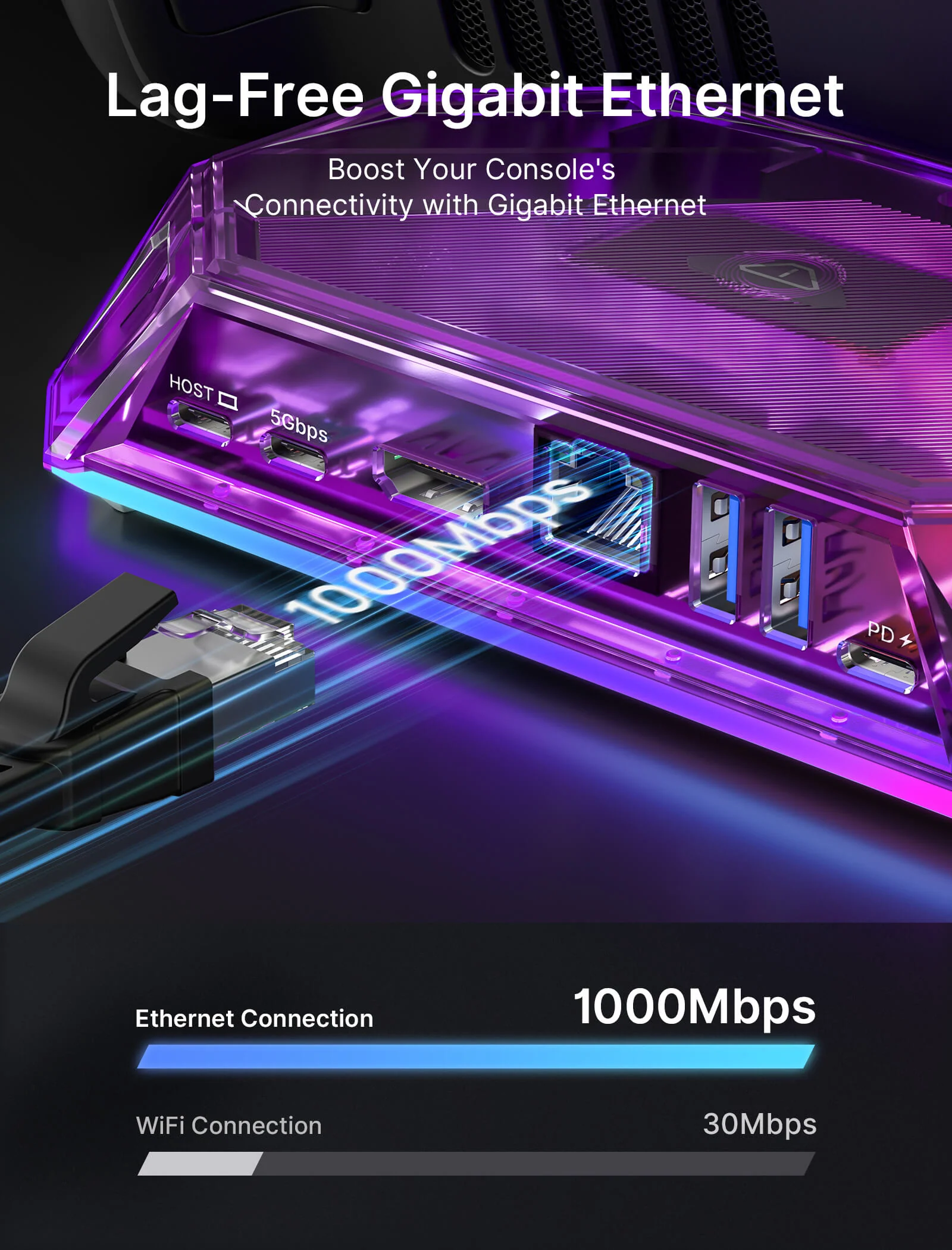
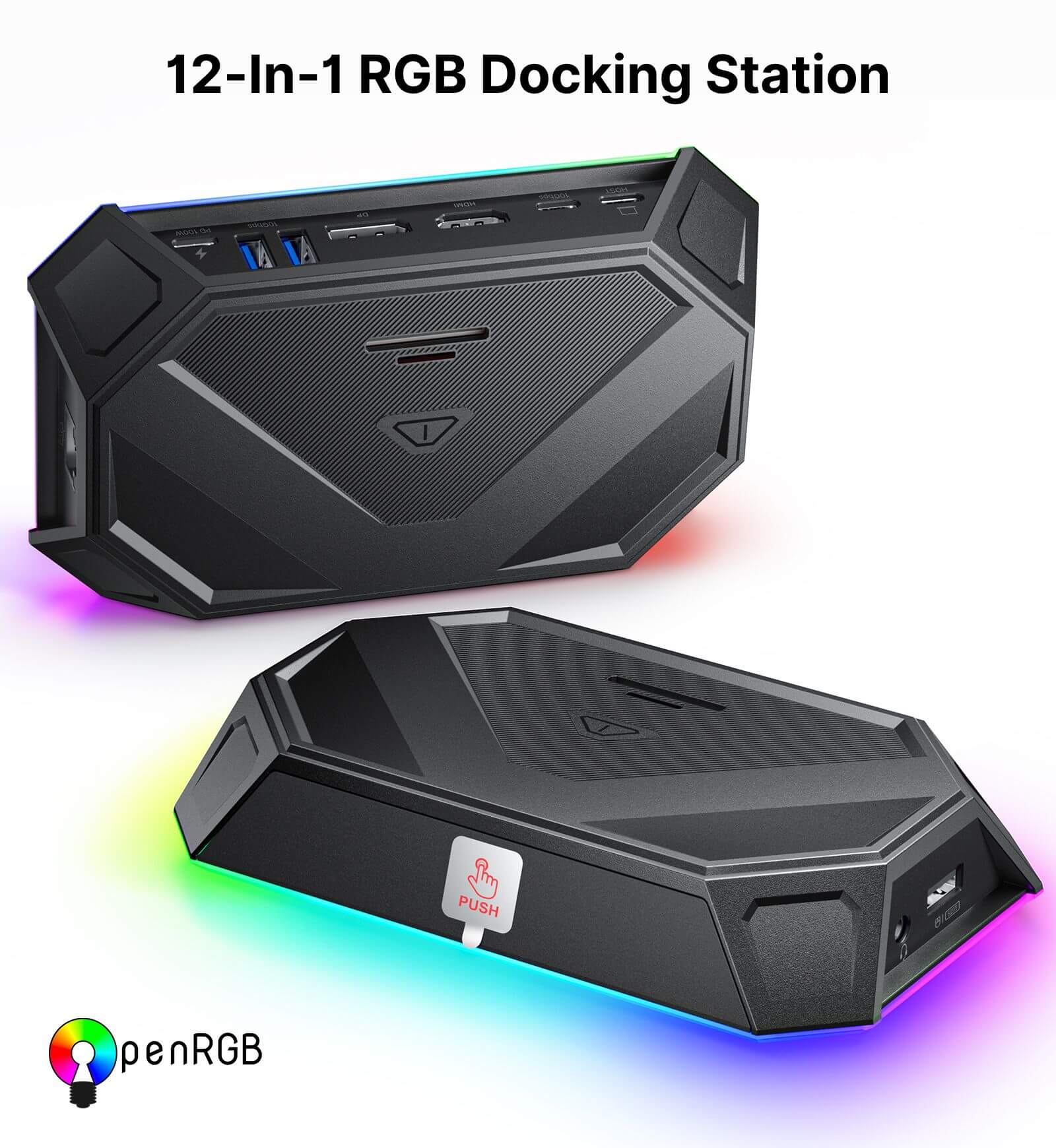
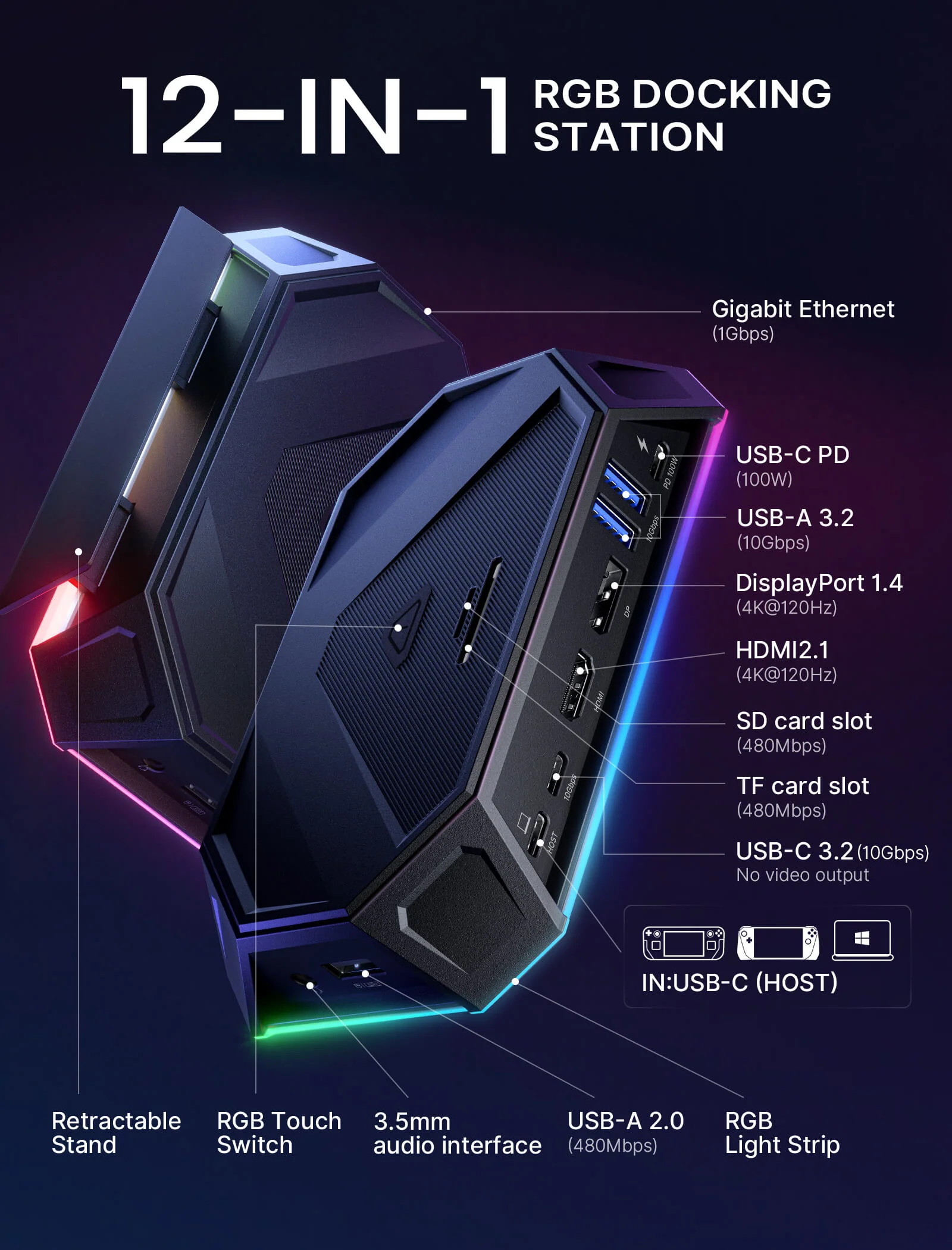
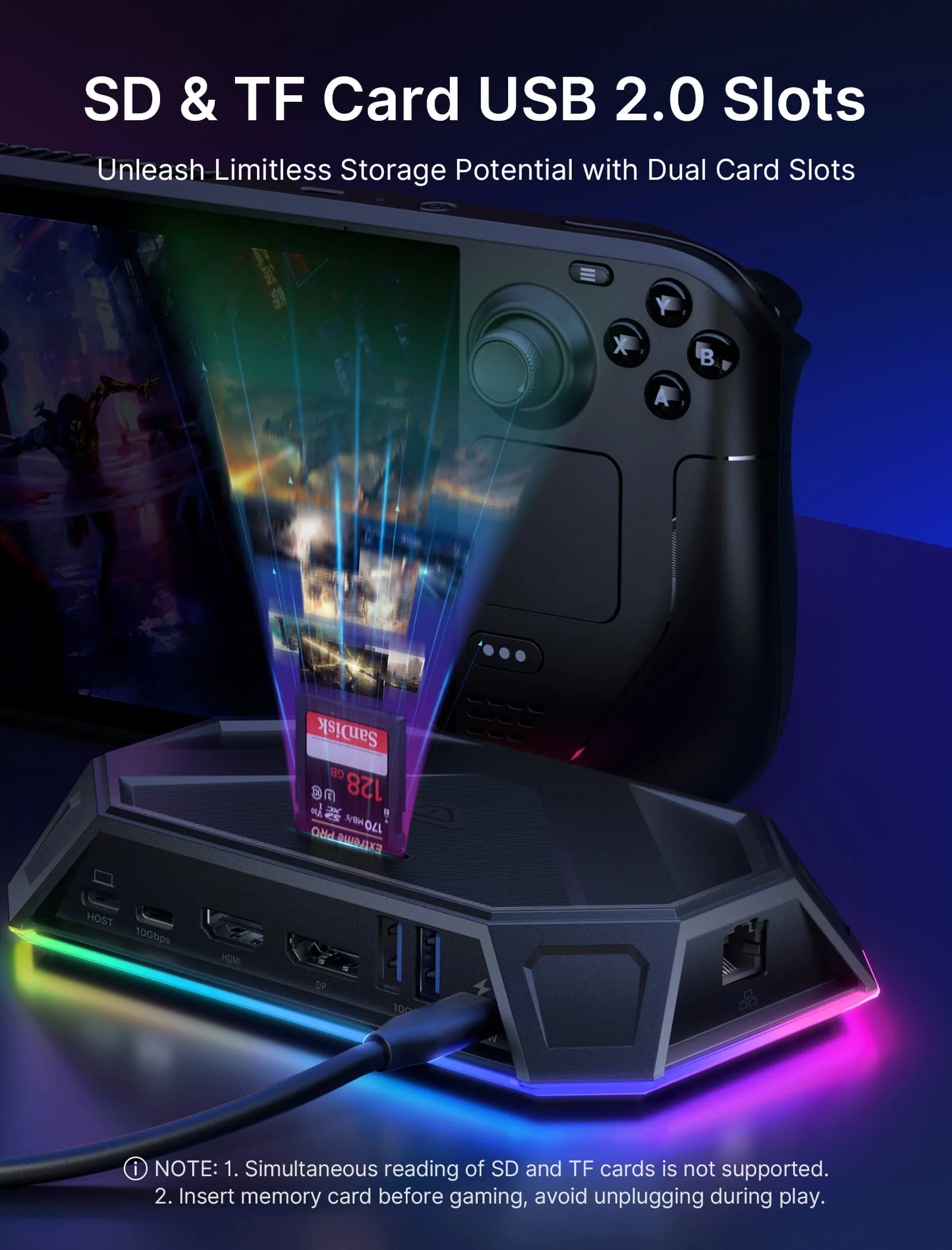
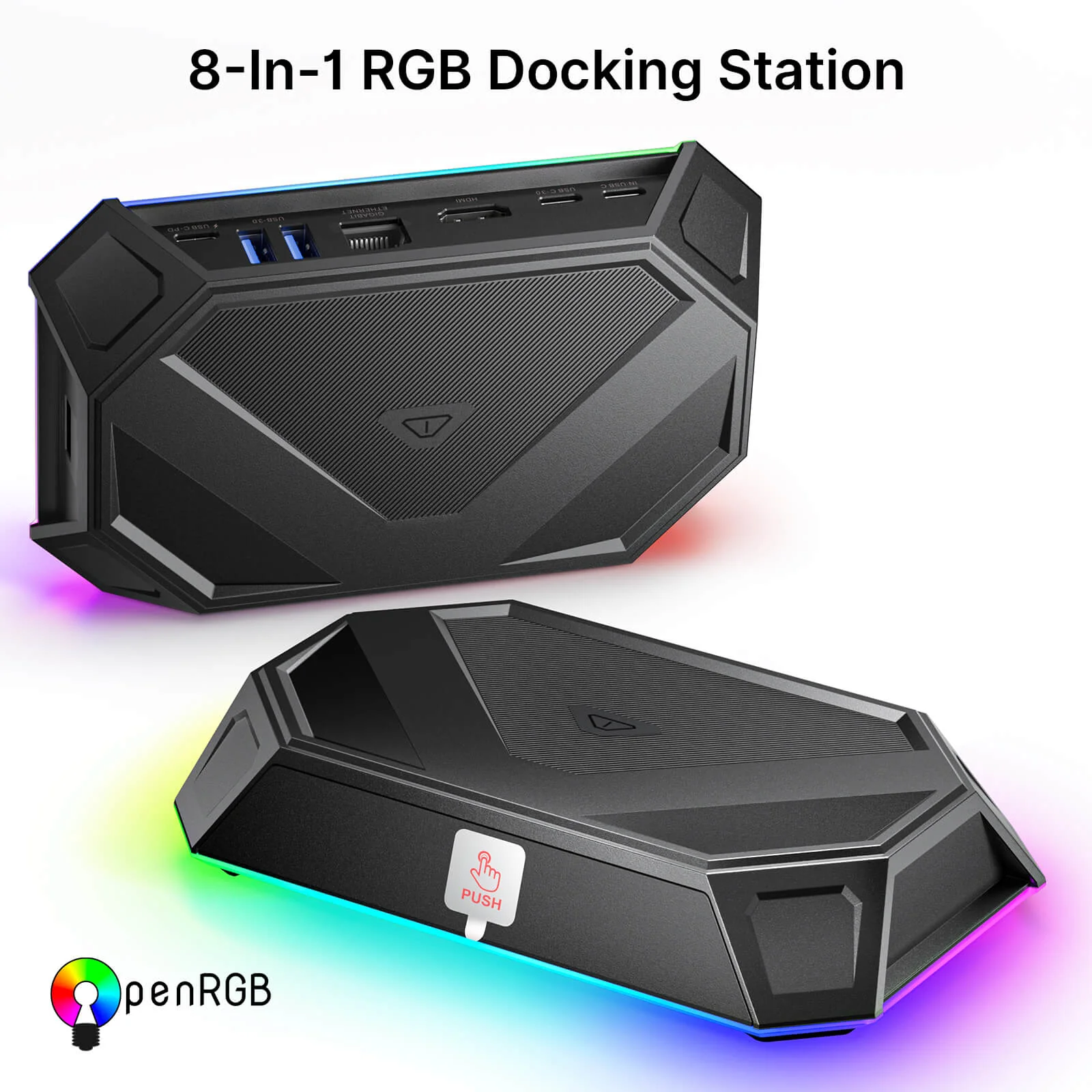
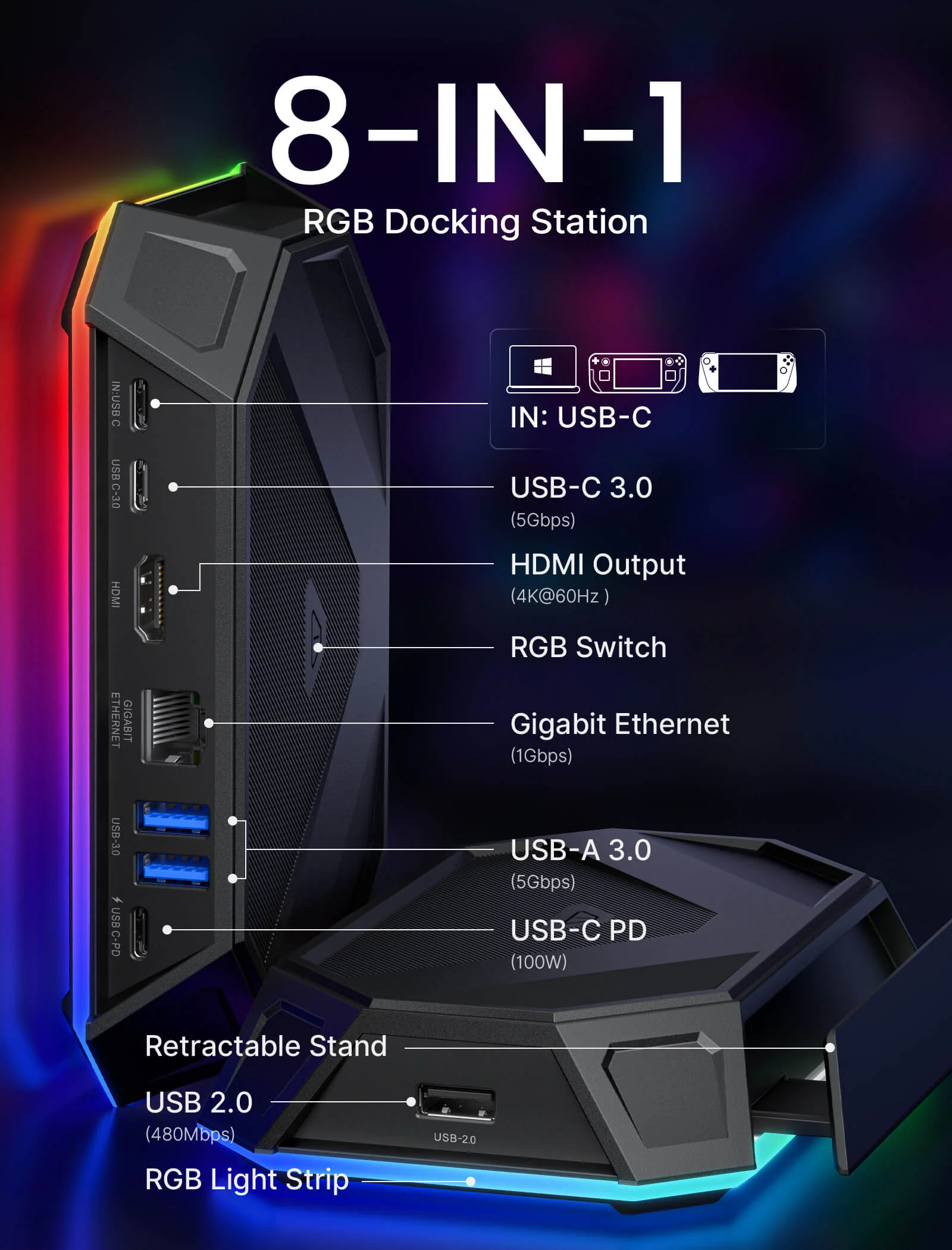
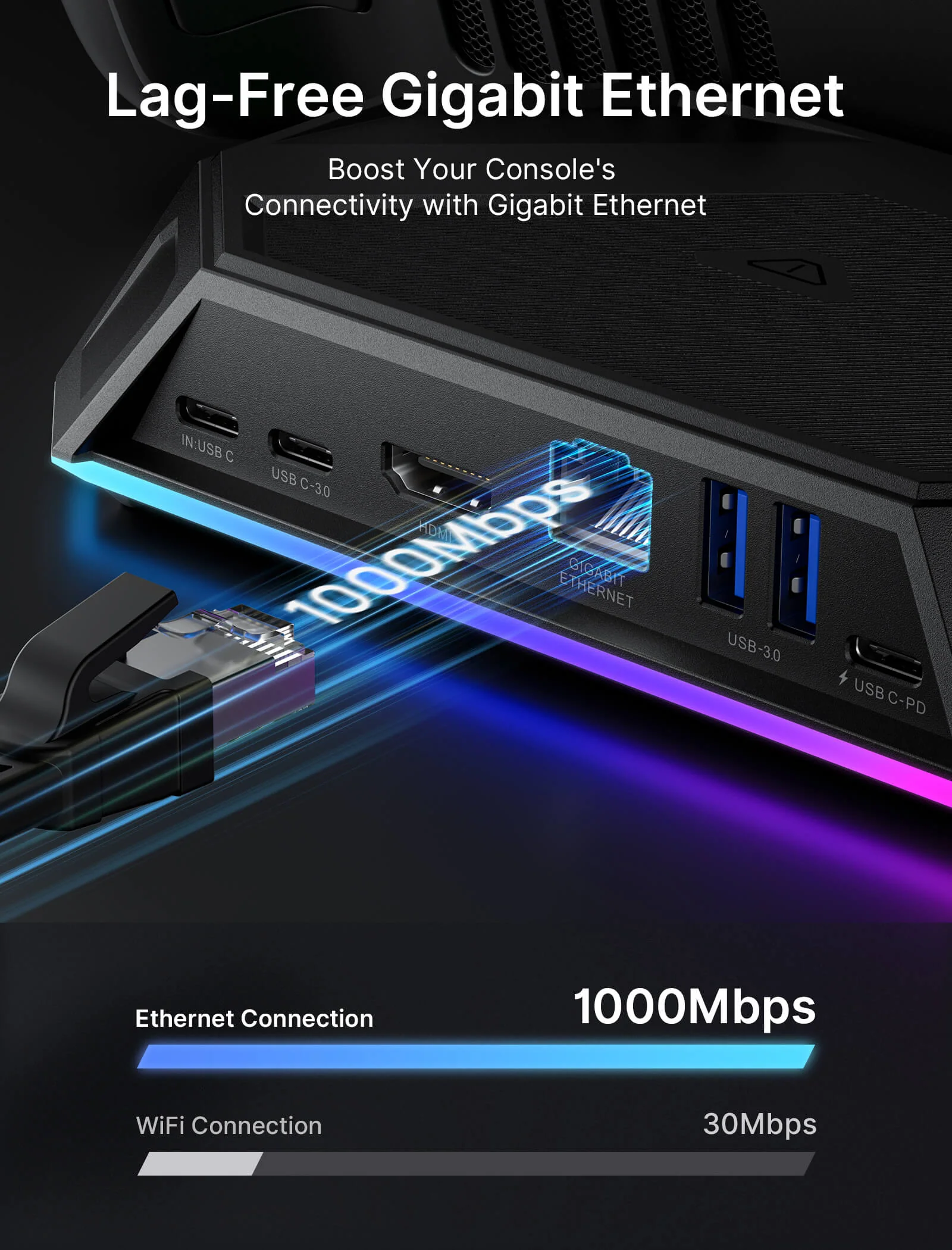
- 【8-in-1 & 12-in-1 Docking Station for Handheld Gaming】Available in 8-in-1 and 12-in-1 configurations, this RGB docking station is built for different gaming and desktop setups. The 12-in-1 versions offer more expansion options including HDMI, DisplayPort, Ethernet, card slots, audio, and charging, while the 8-in-1 versions provide essential connectivity for everyday handheld gaming.
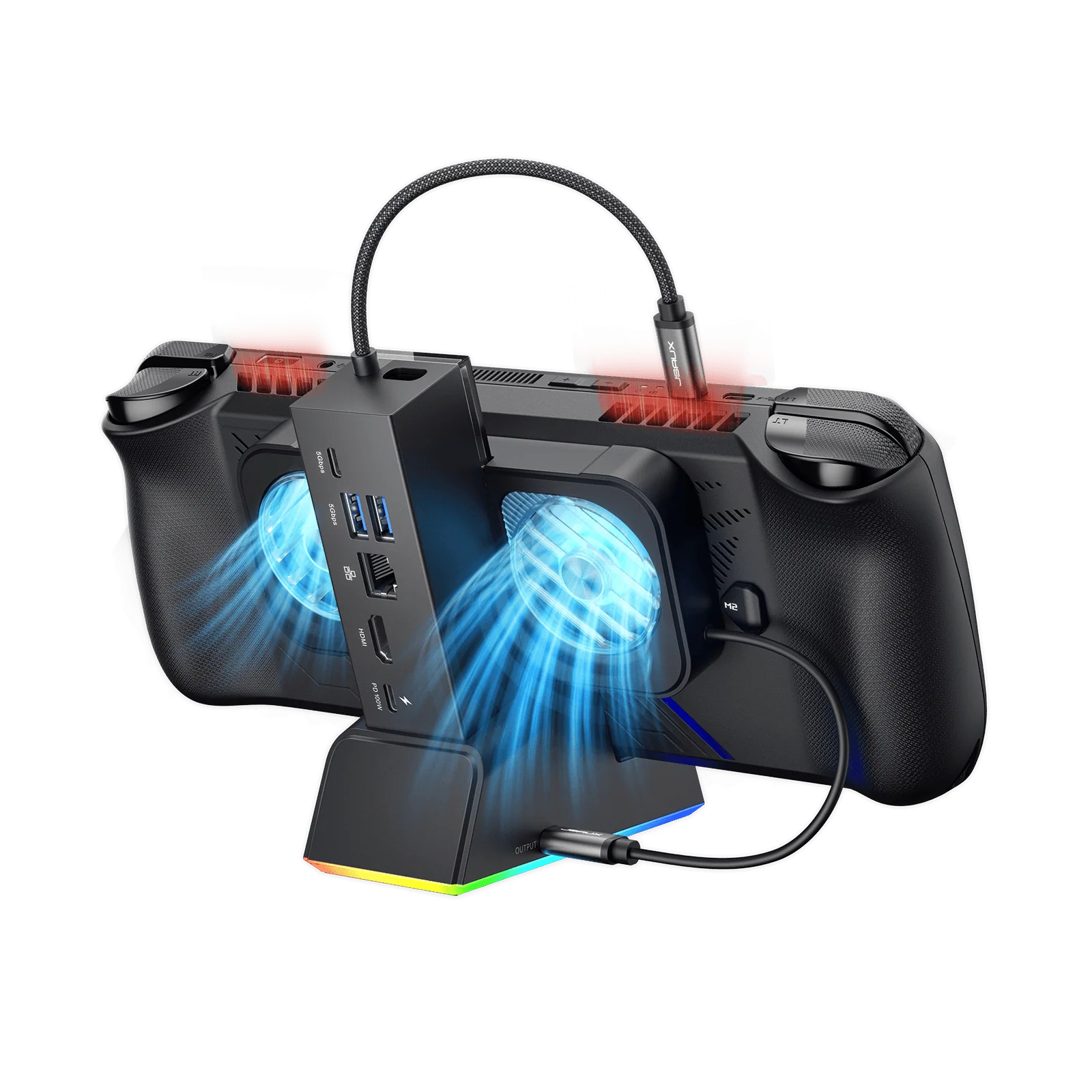
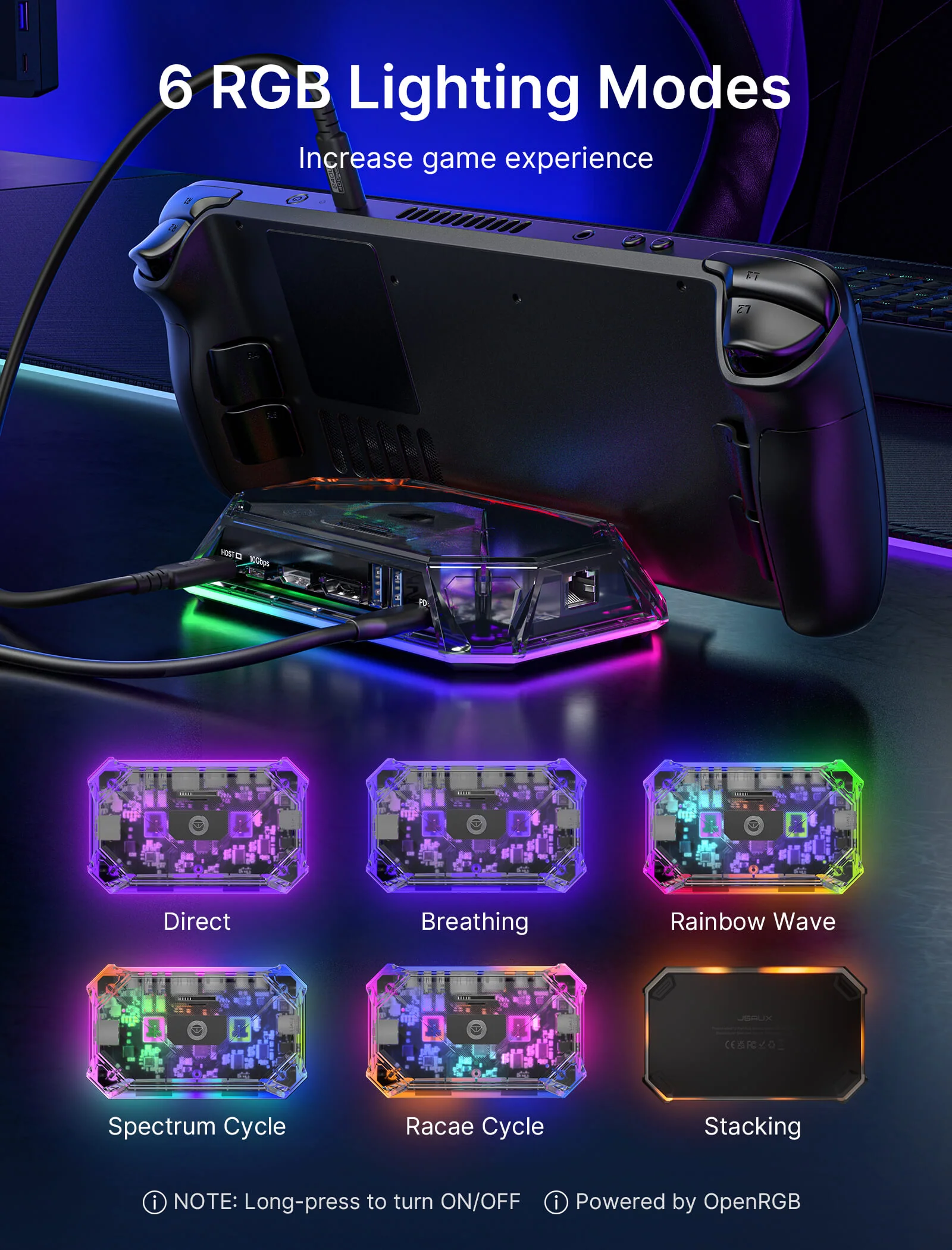
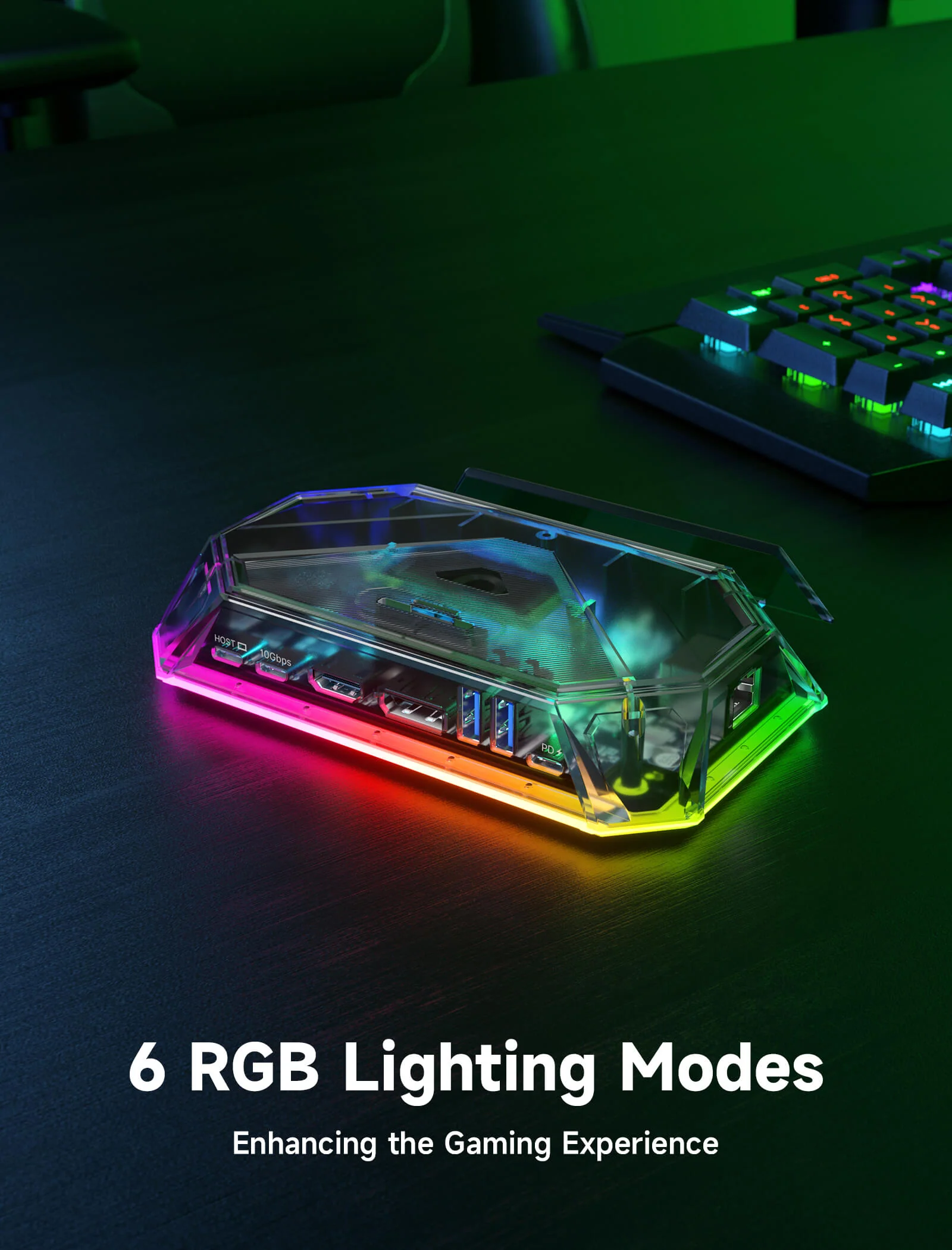
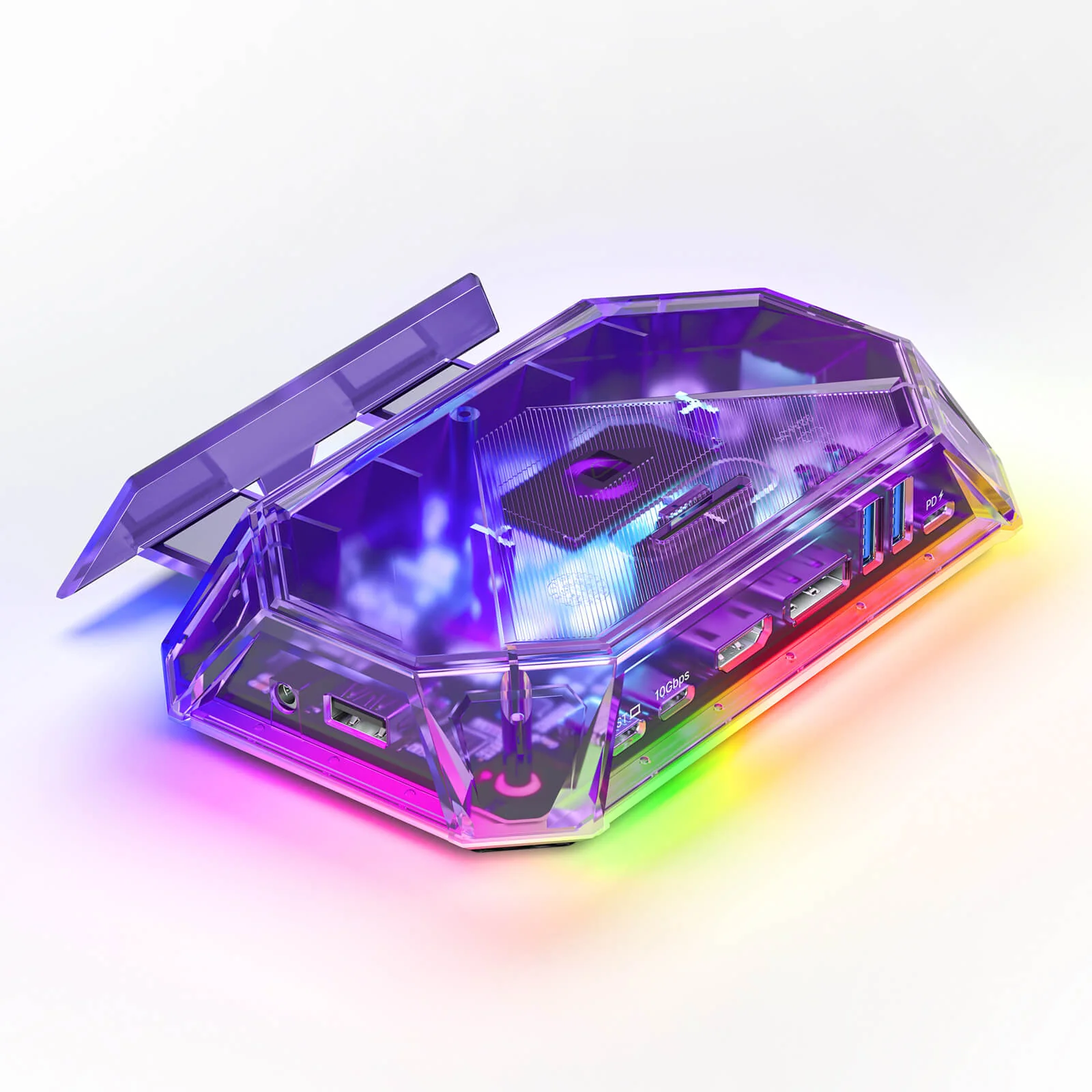
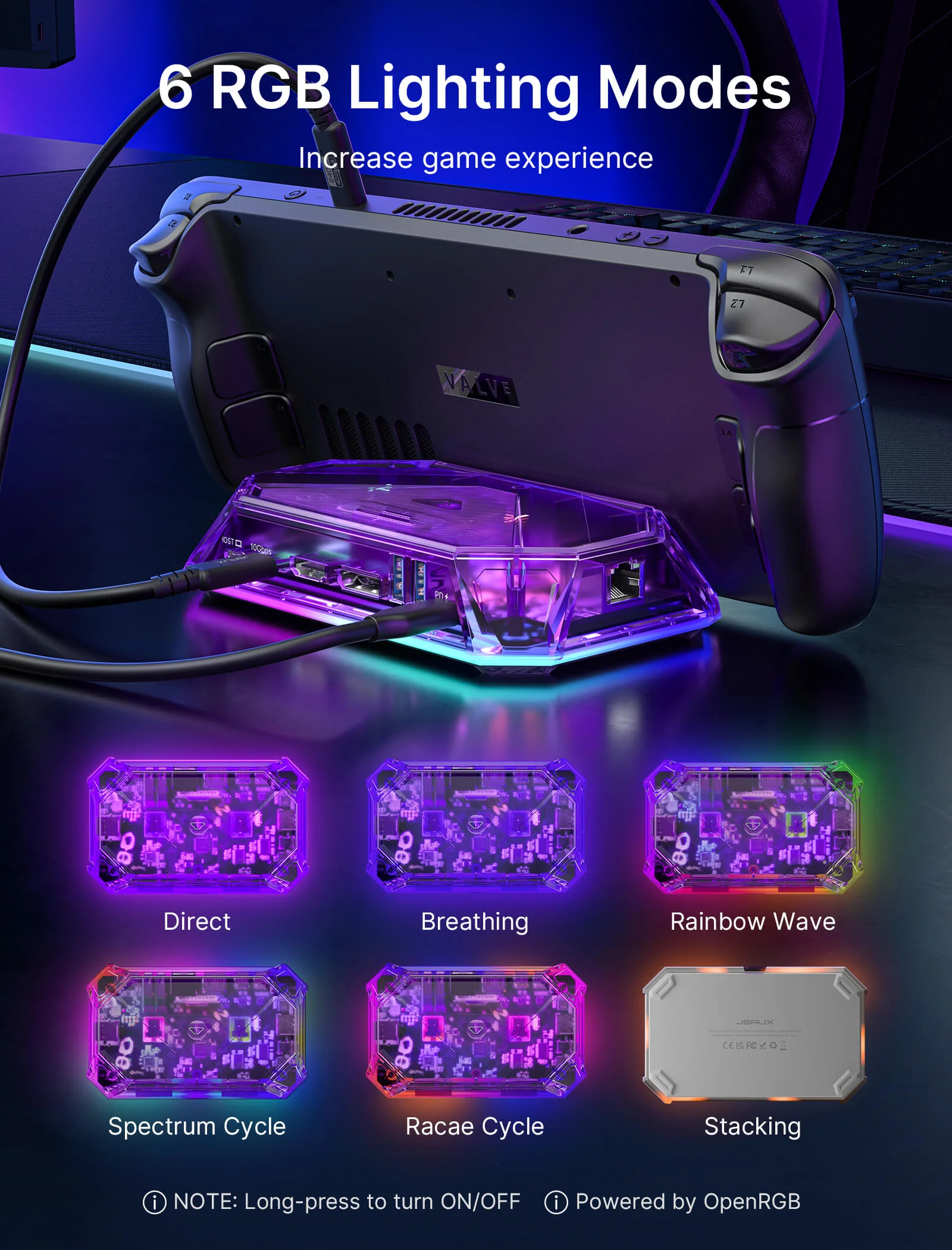
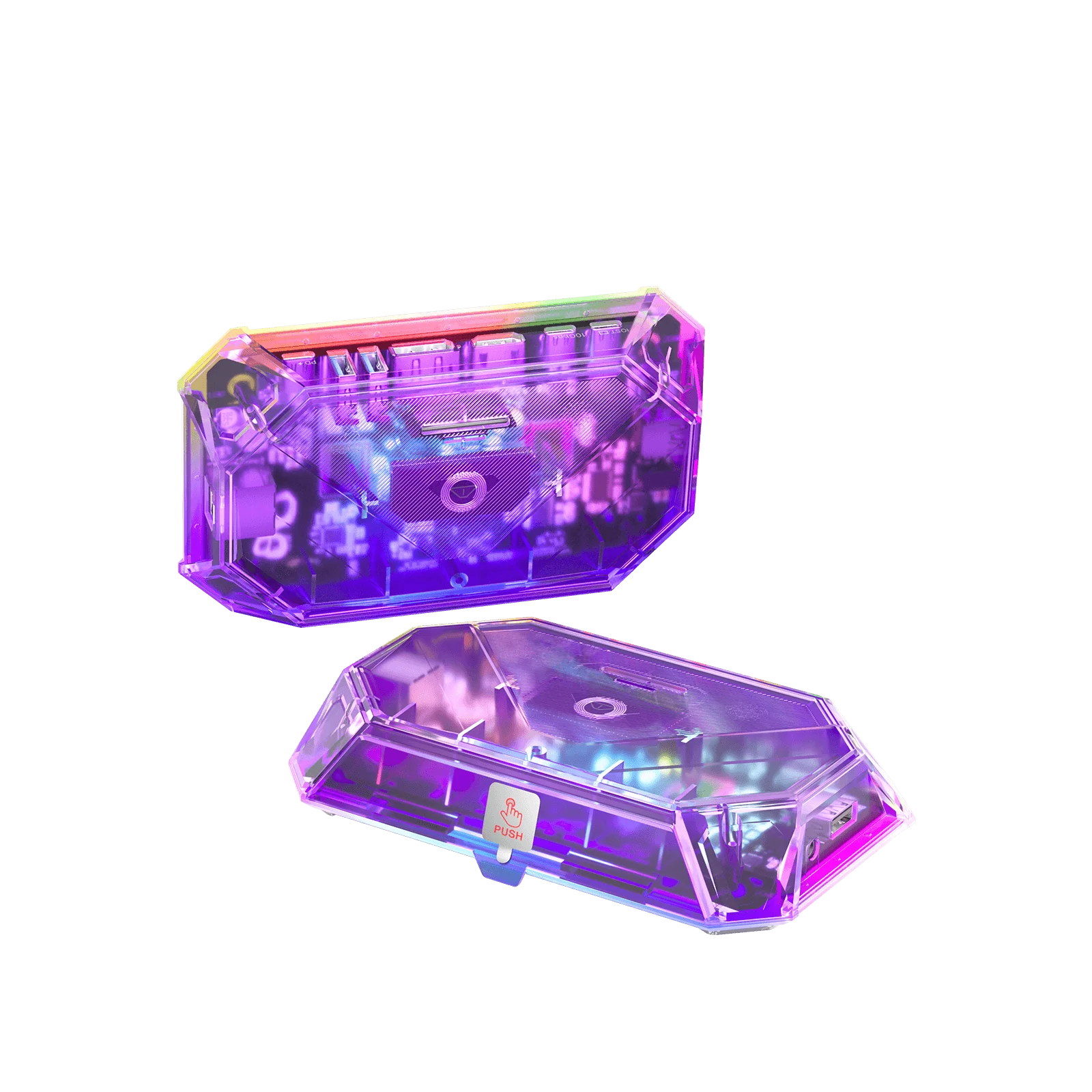
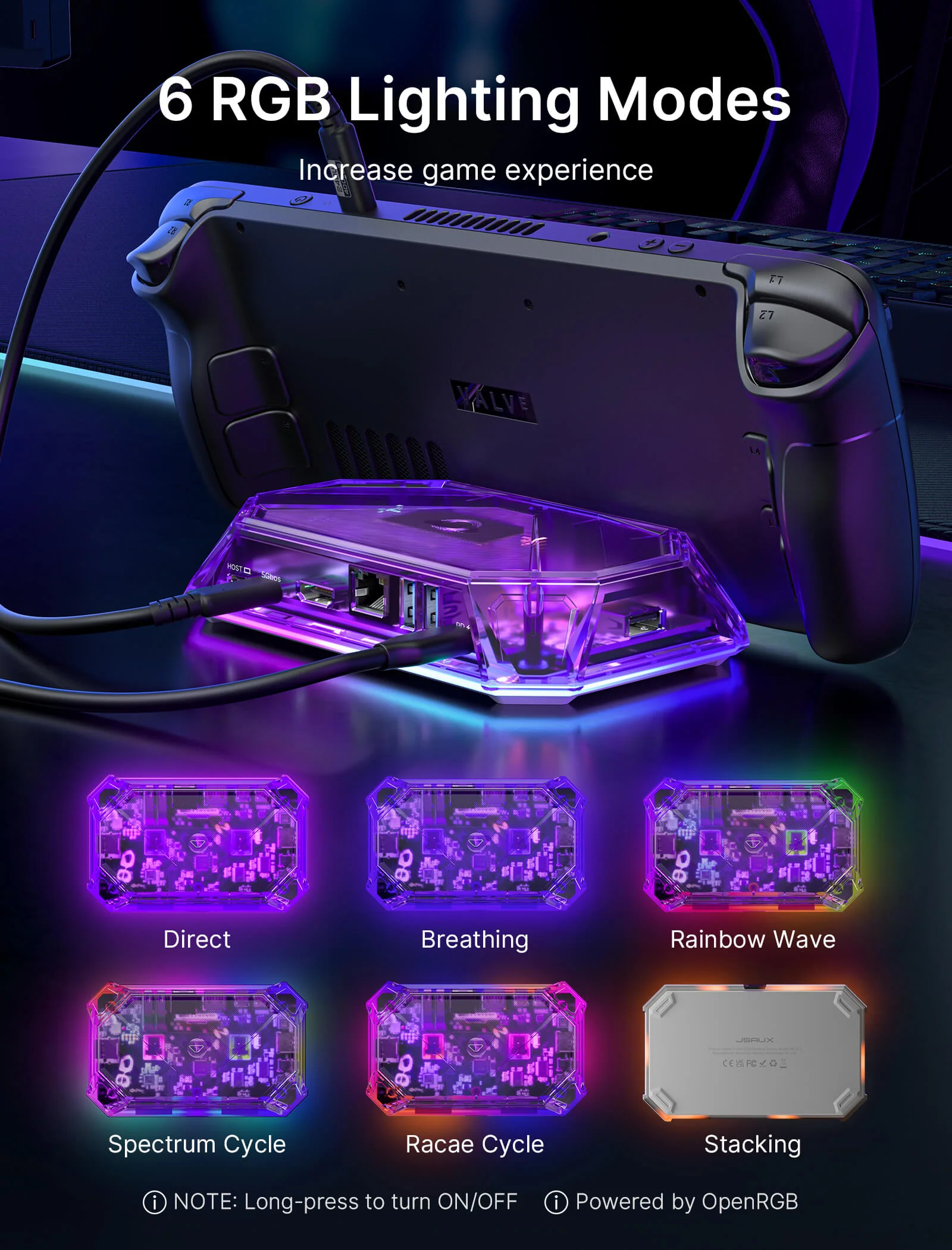
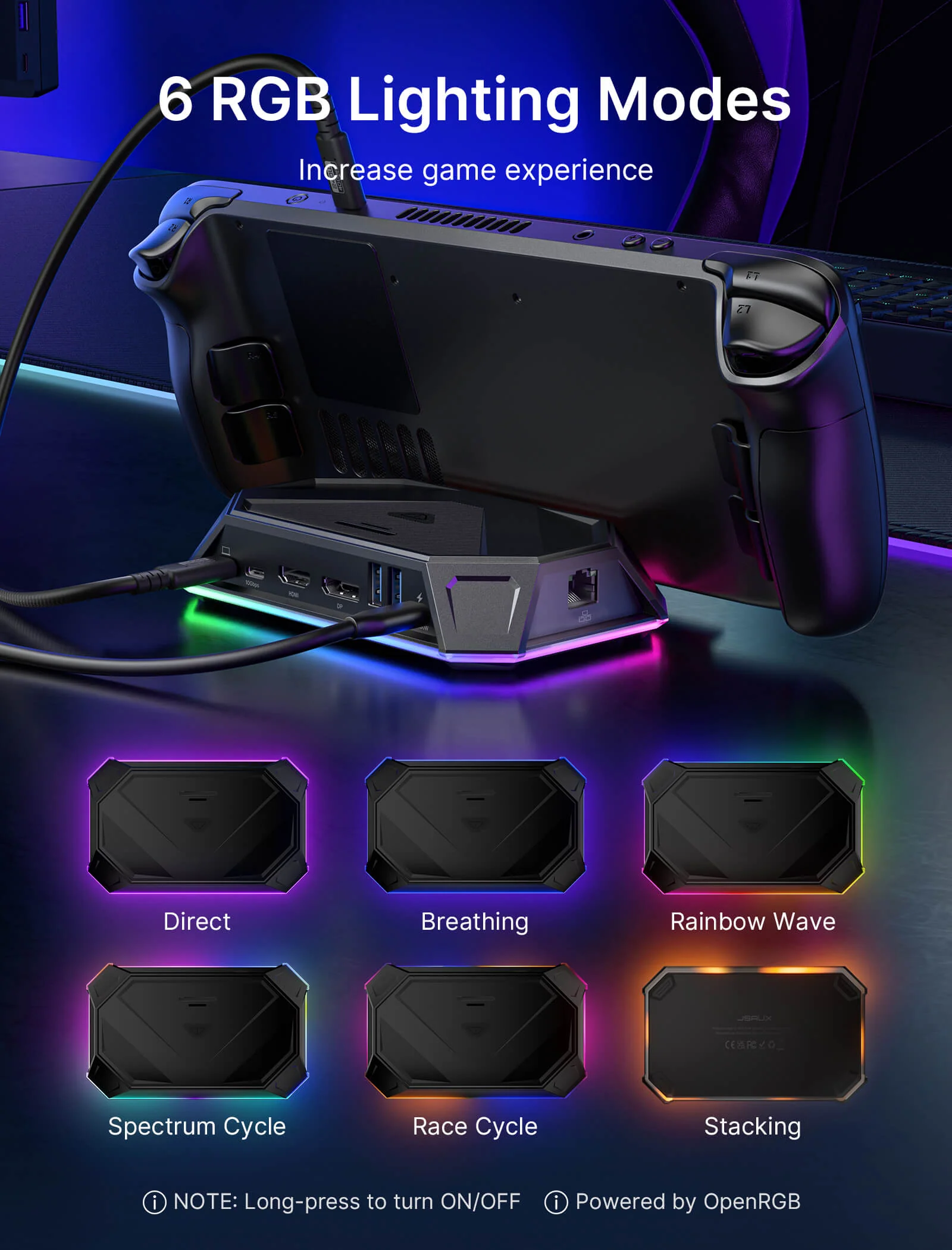
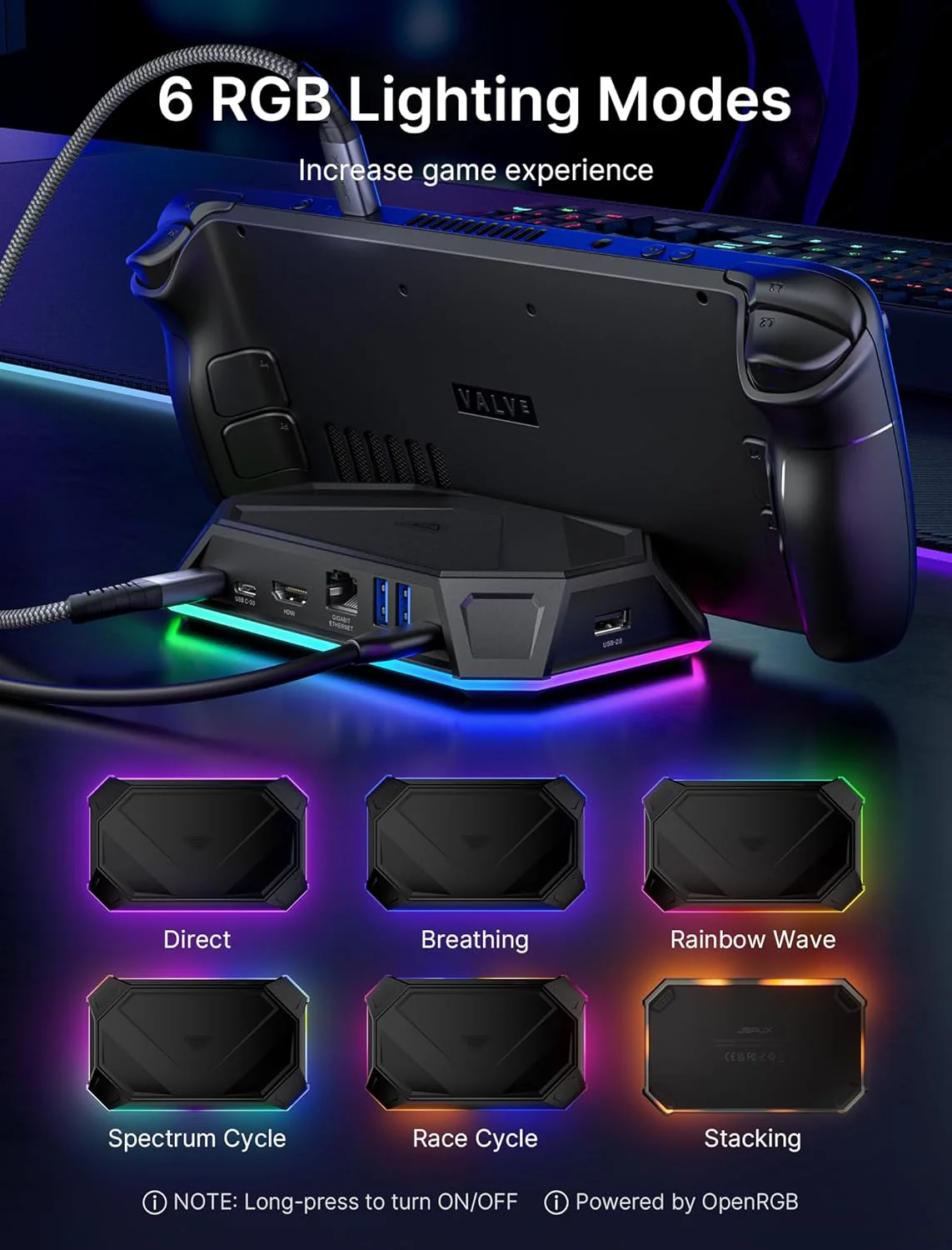
- 【6 RGB Lighting Modes with OpenRGB Support】The Pro versions feature 6 RGB lighting modes, including Direct, Breathing, Rainbow Wave, Spectrum Cycle, Race Cycle, and Stacking. When connected to a PC through the USB-C upstream port, lighting effects can also be customized with OpenRGB software.
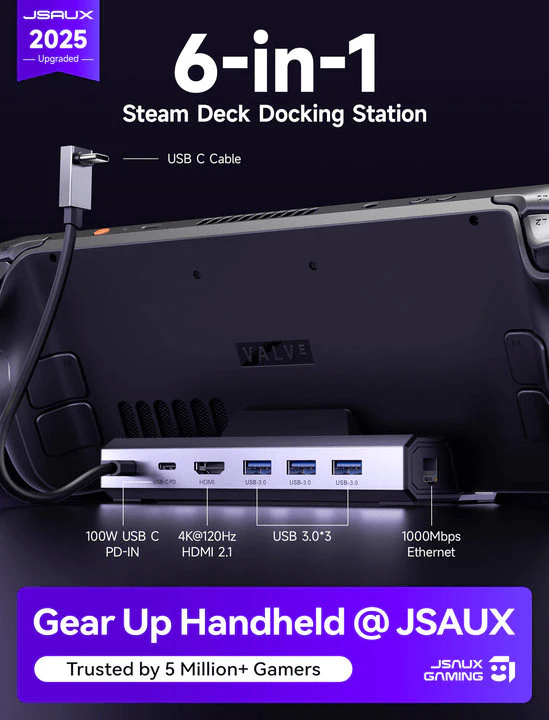
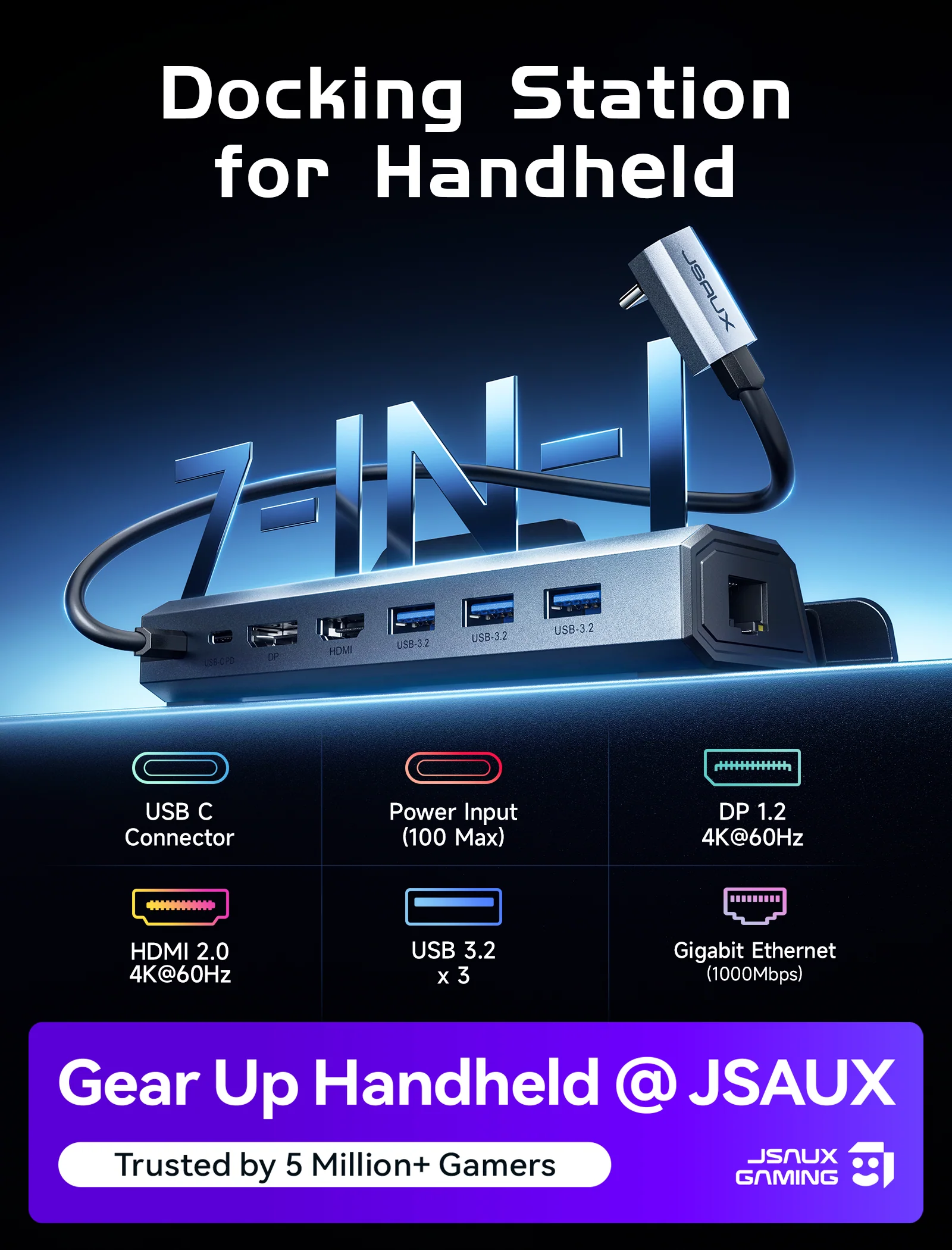
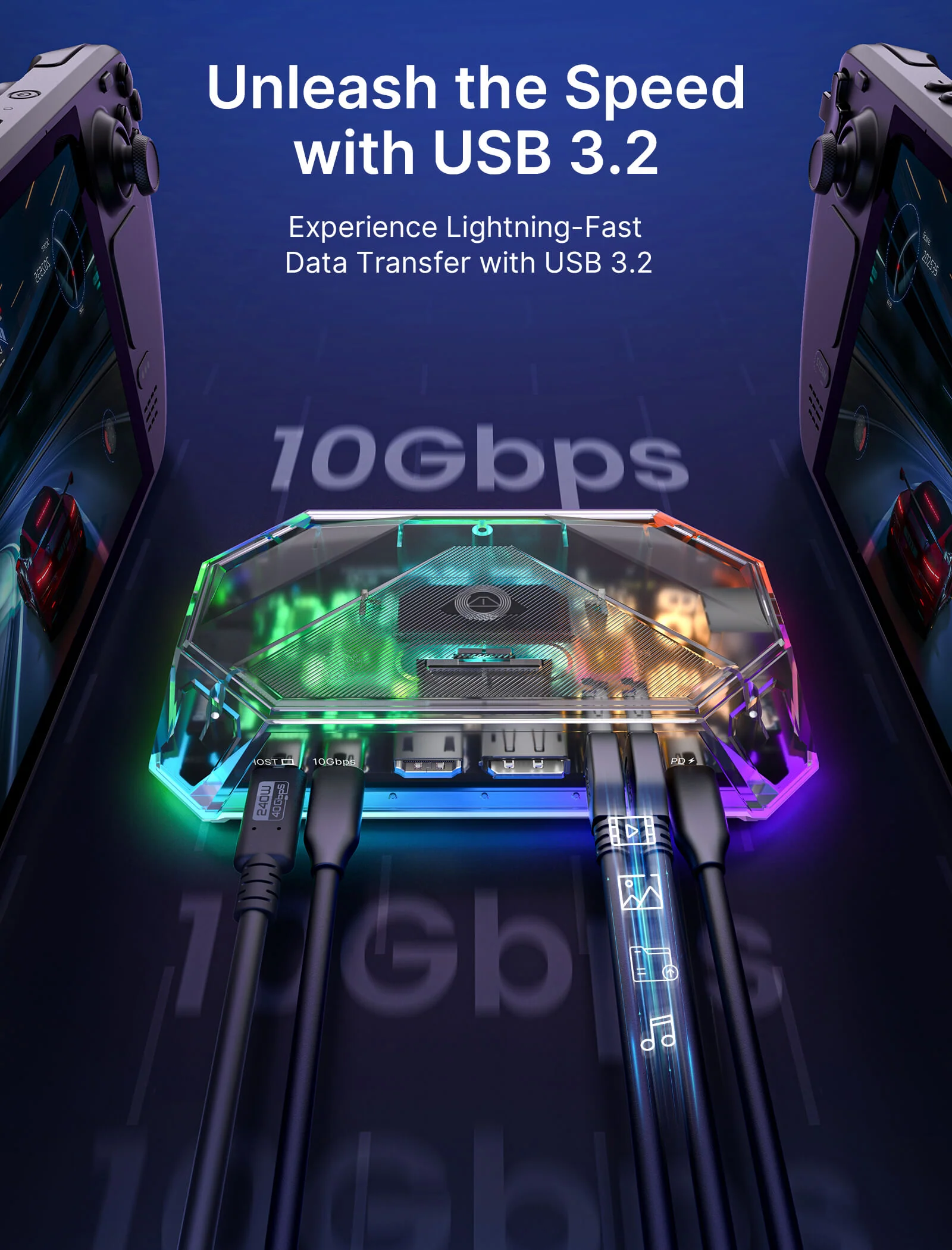
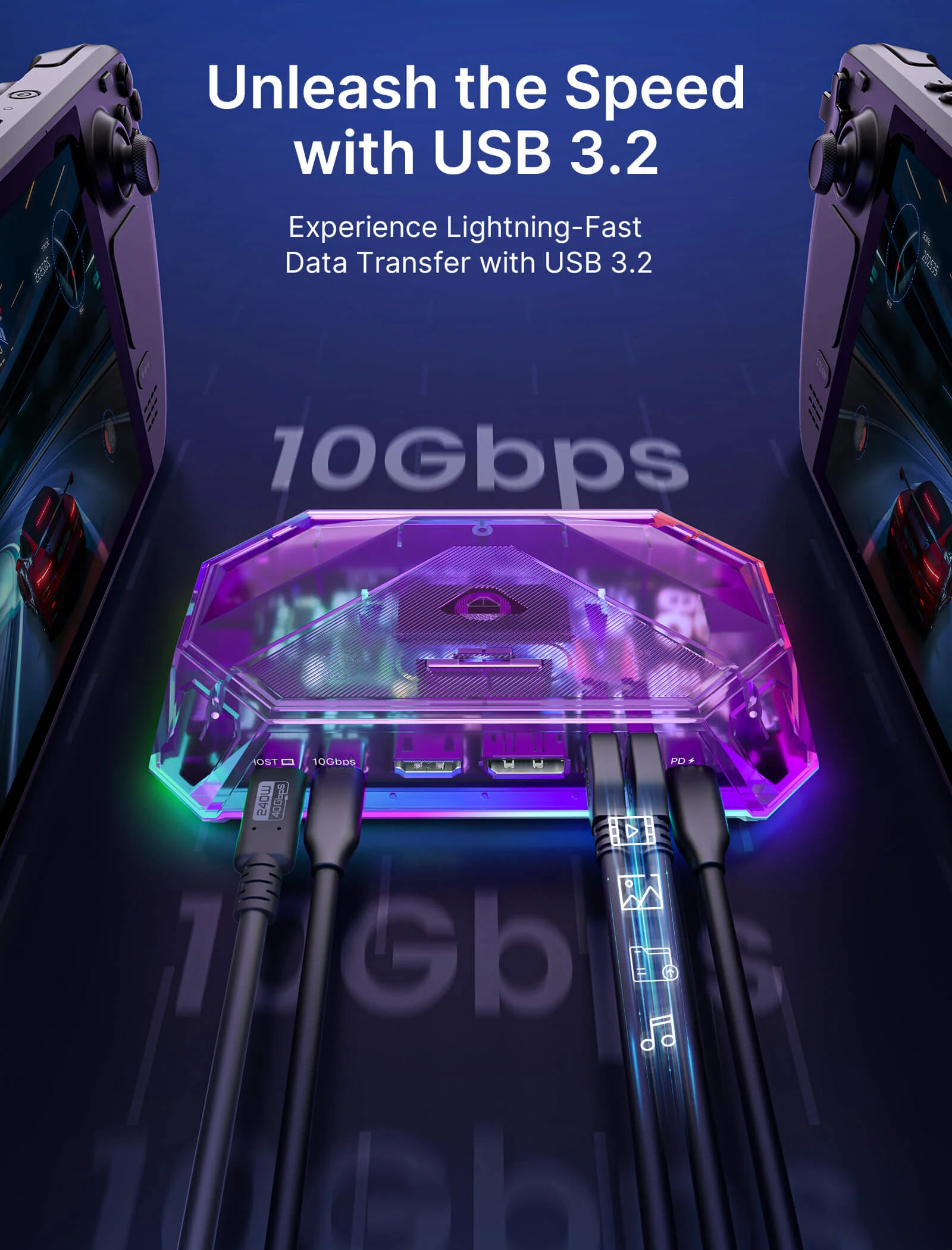
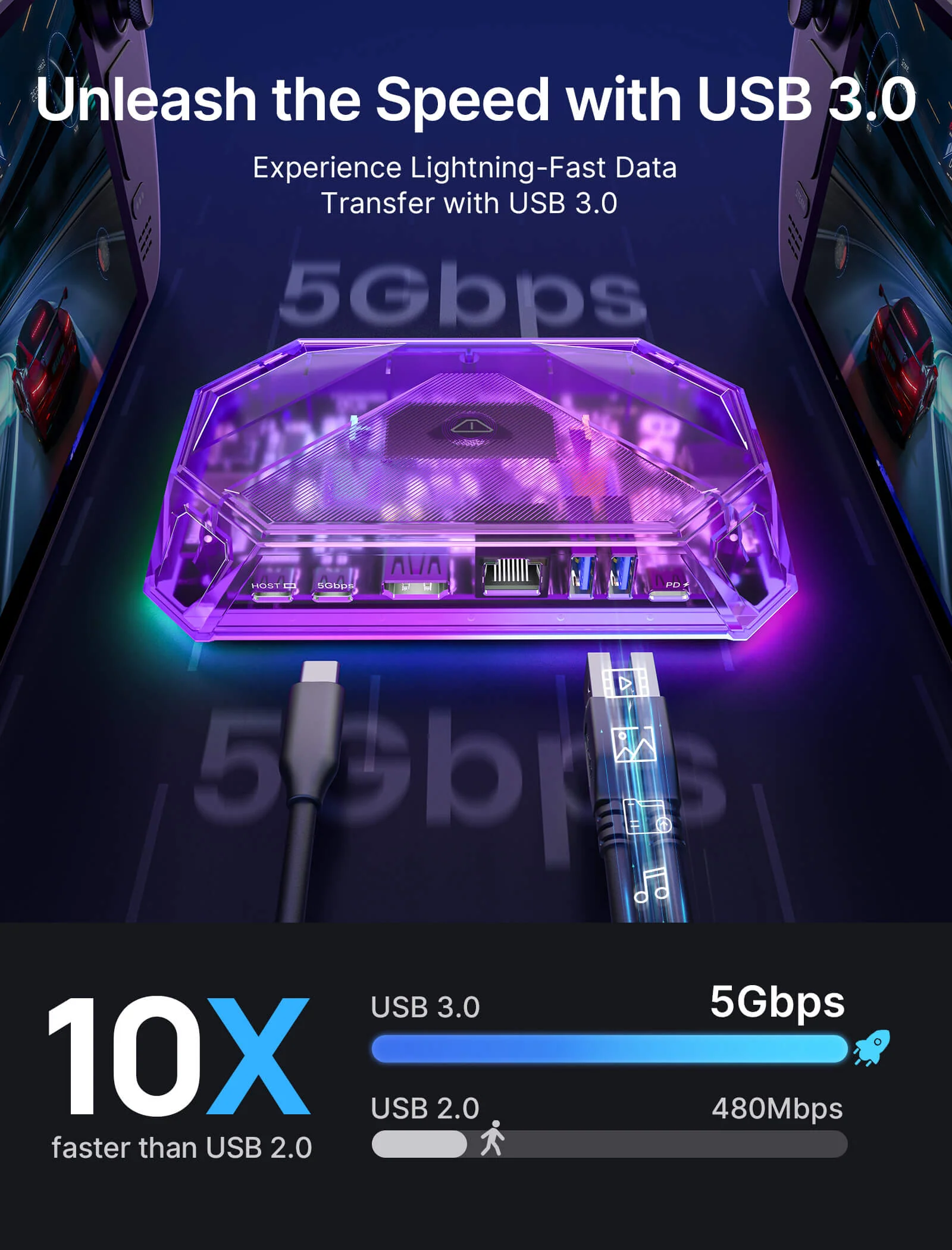
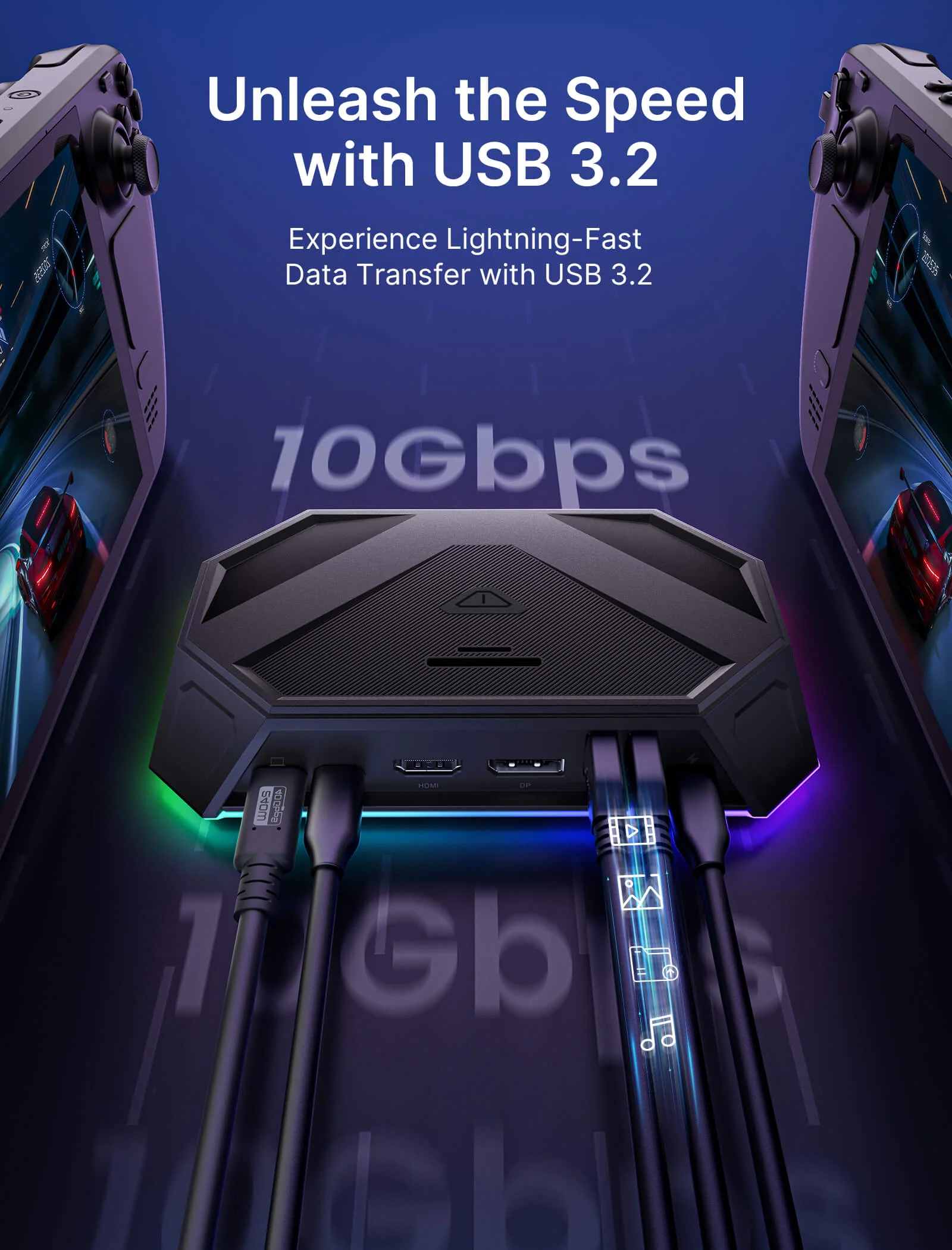
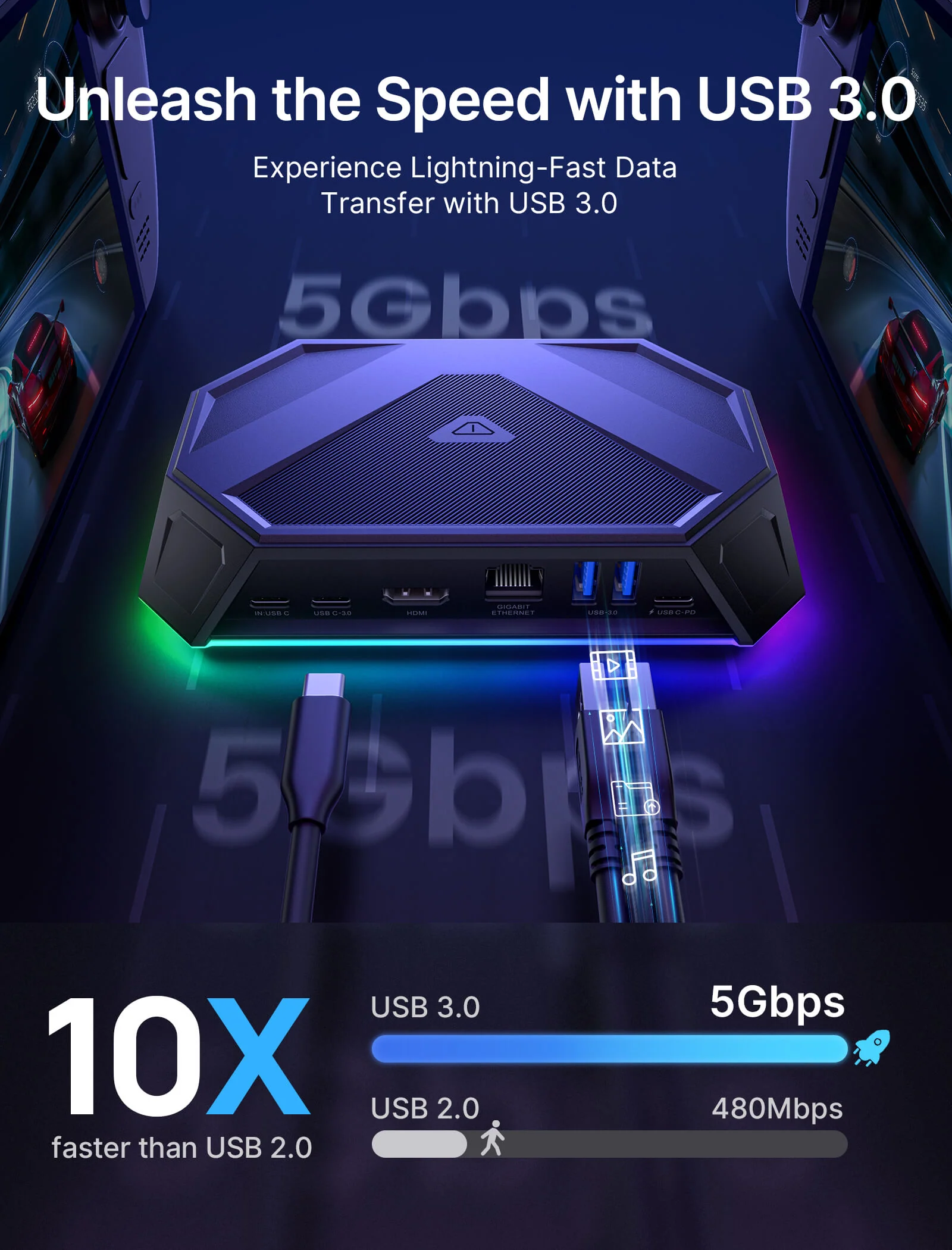
- 【High-Speed Data Transfer & 100W PD Charging】The 12-in-1 versions support up to 10Gbps USB 3.2 data transfer, while the 8-in-1 versions support up to 5Gbps transfer for everyday accessories and storage devices. All versions support up to 100W PD input for stable charging during gaming, streaming, and desktop use.
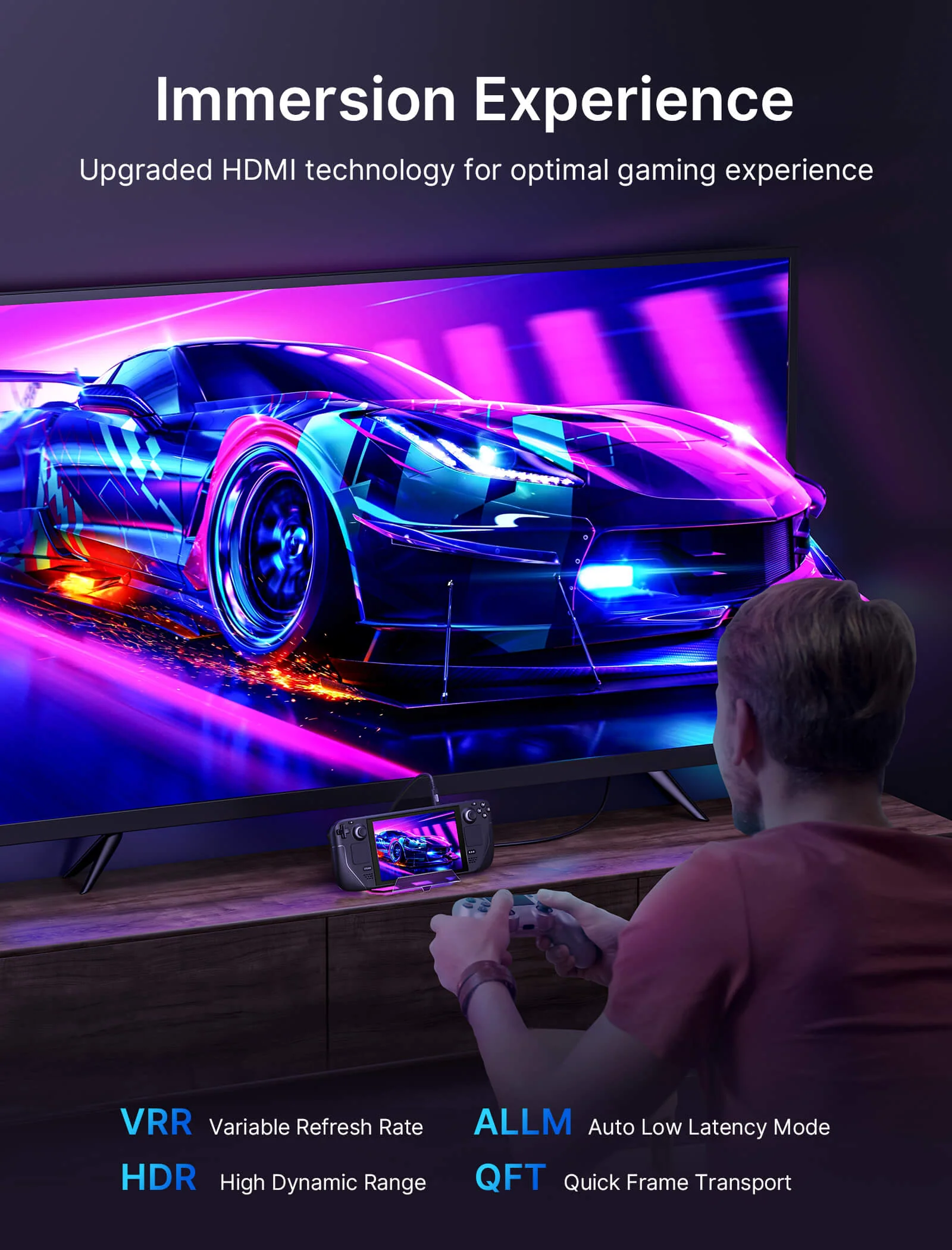
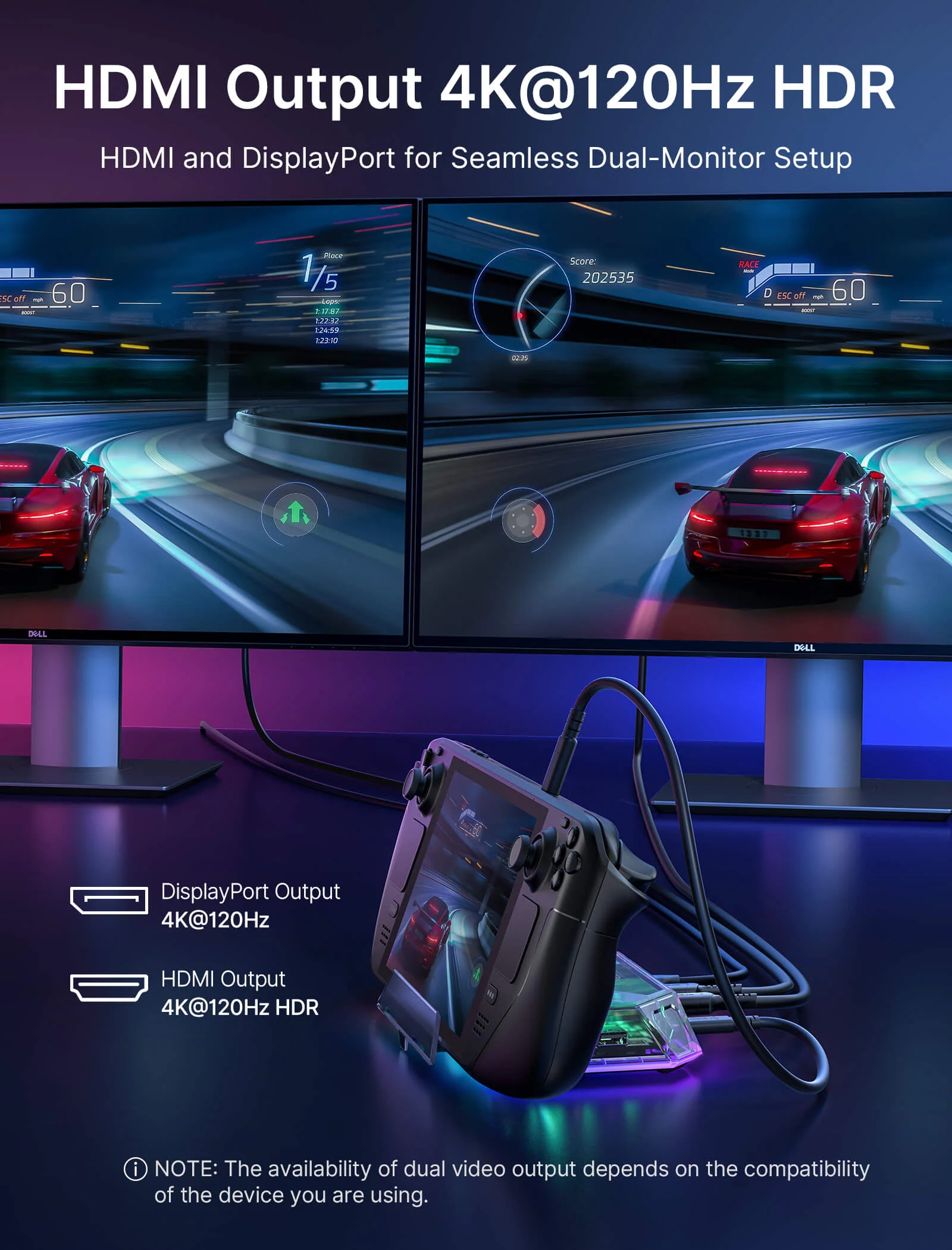
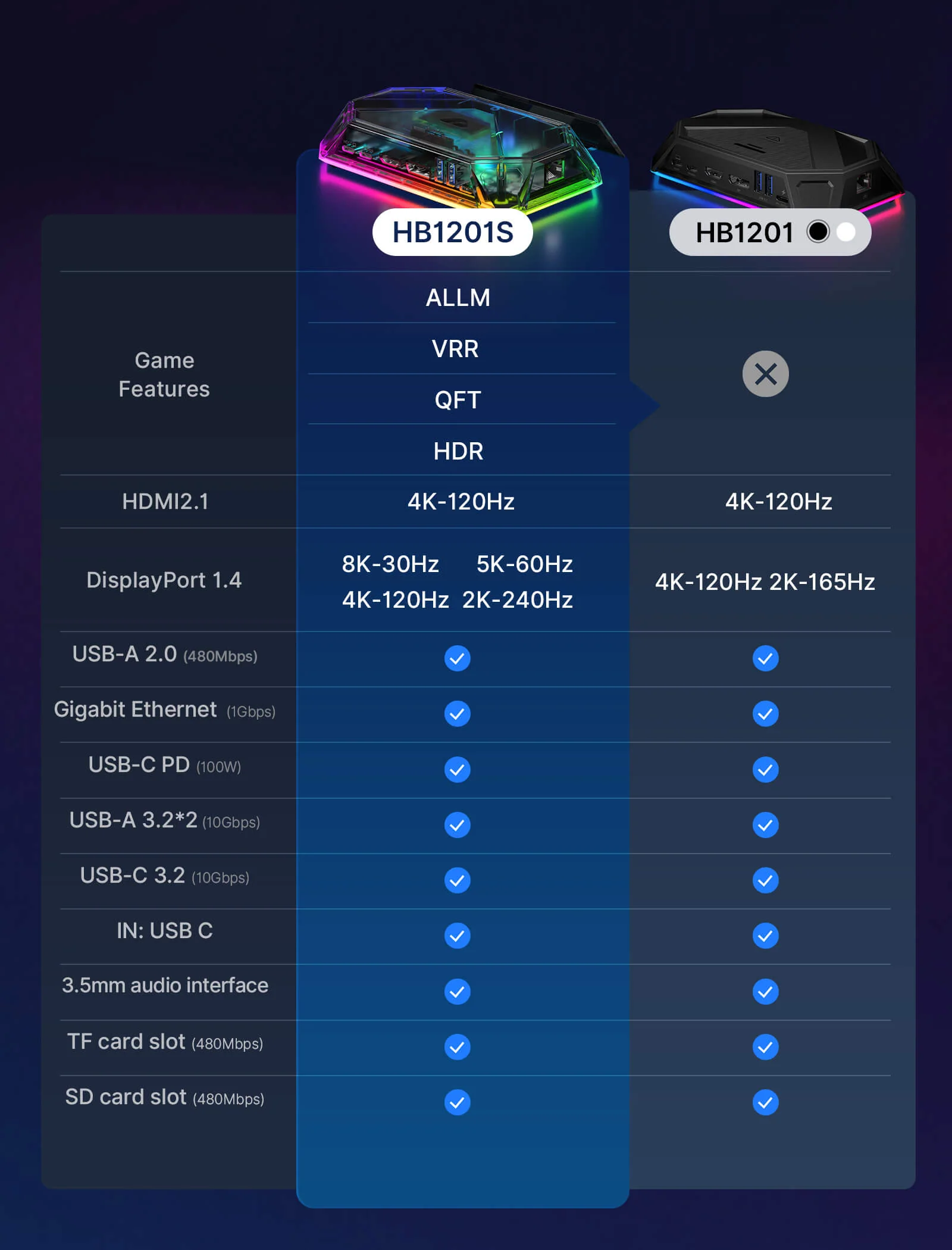
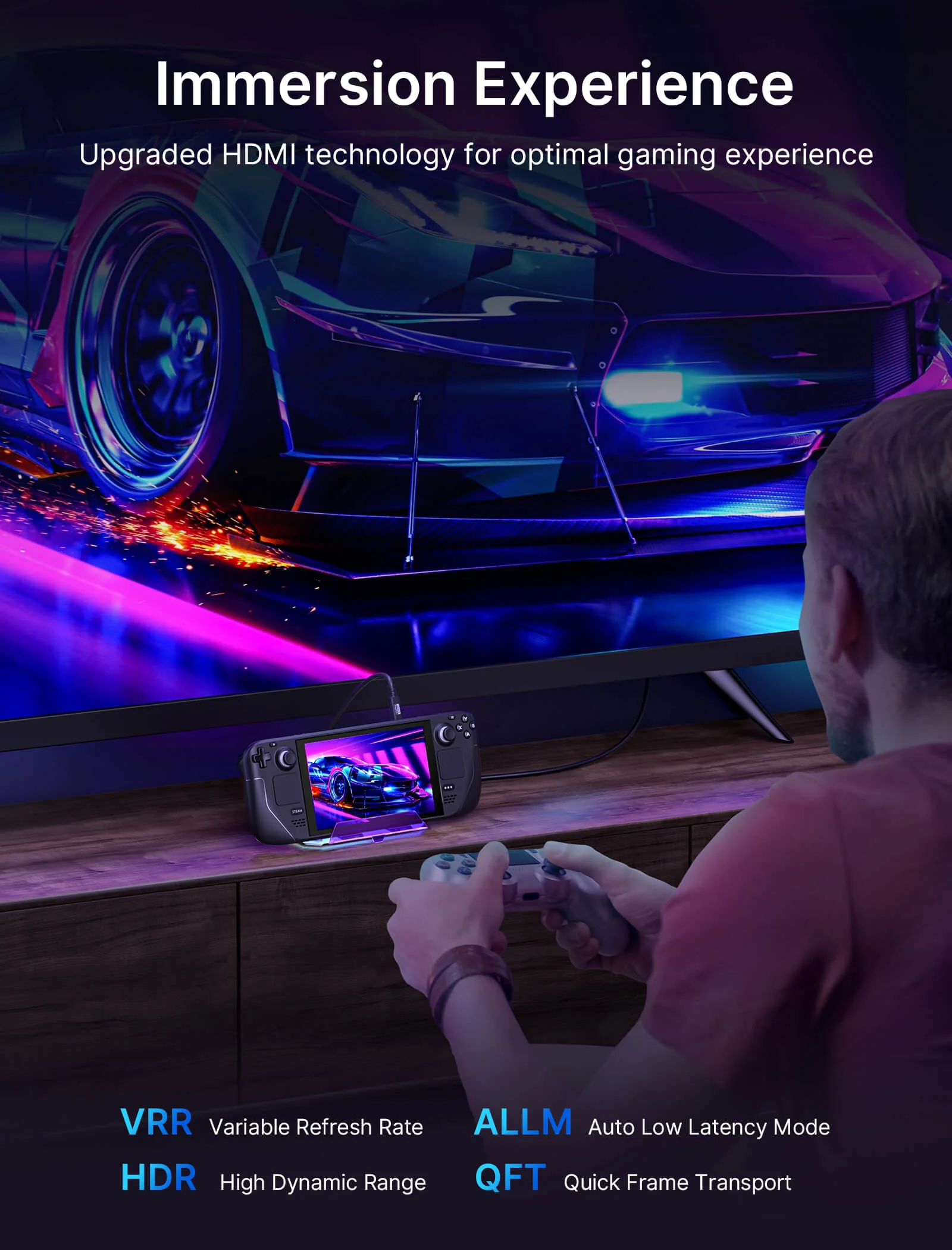
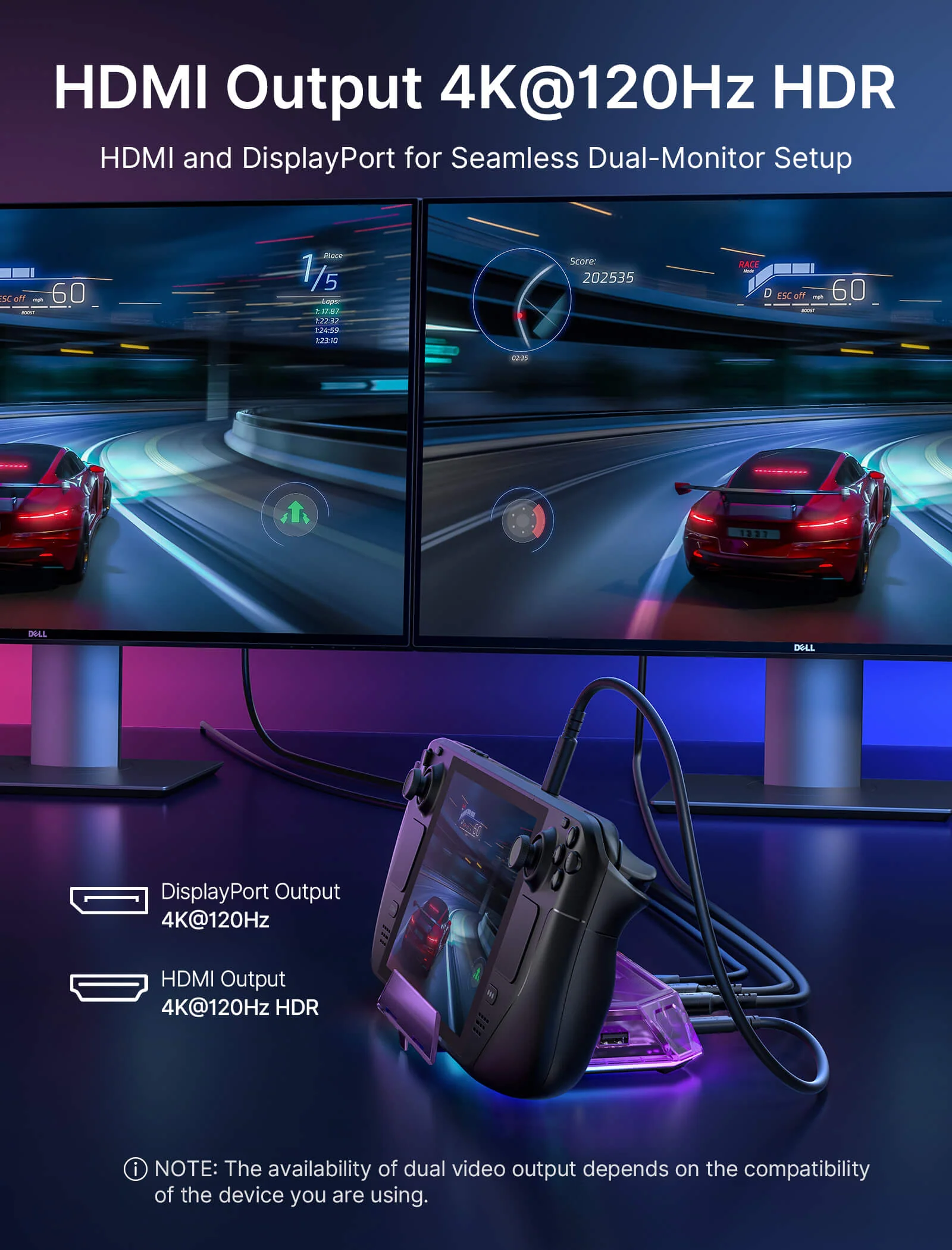
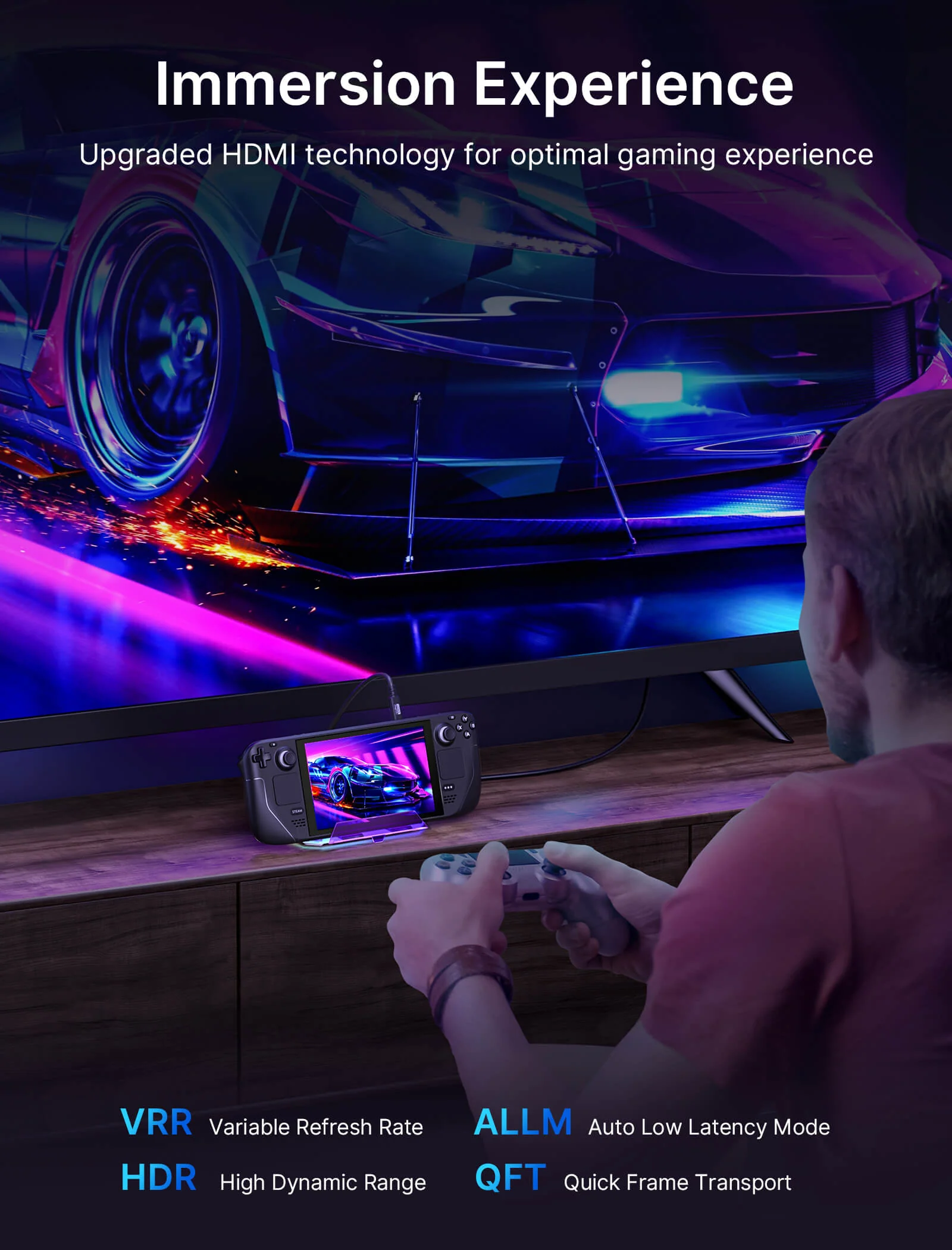
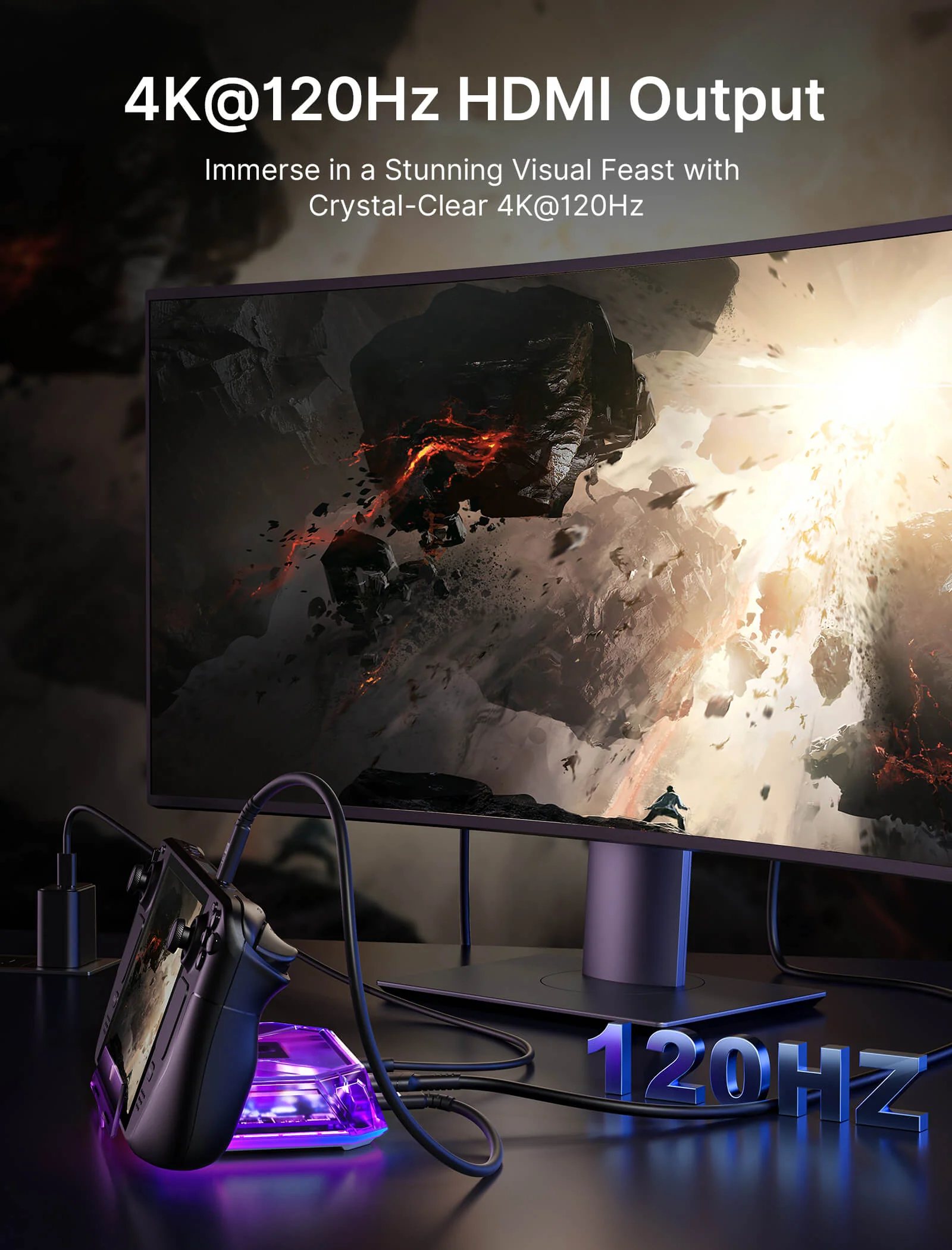
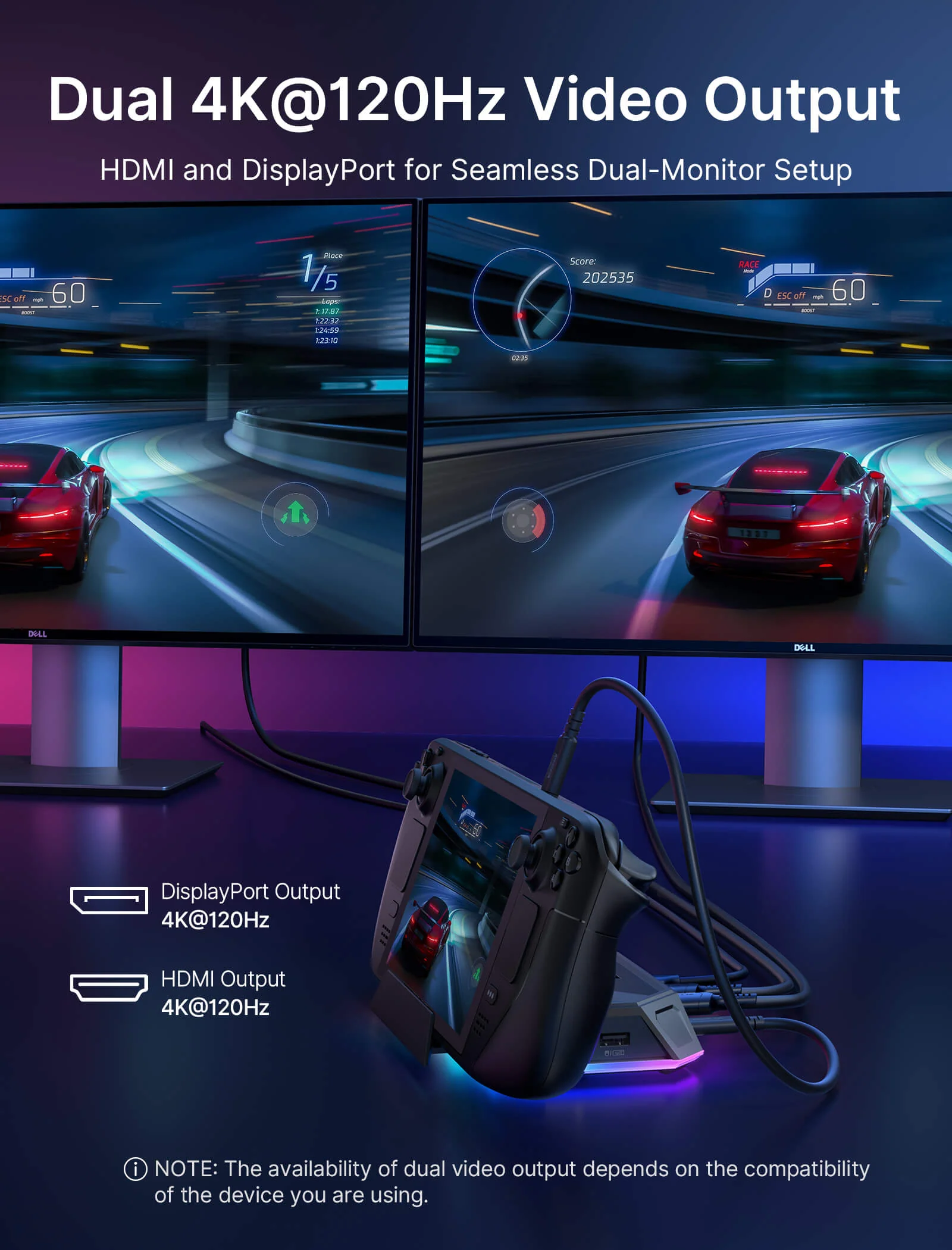
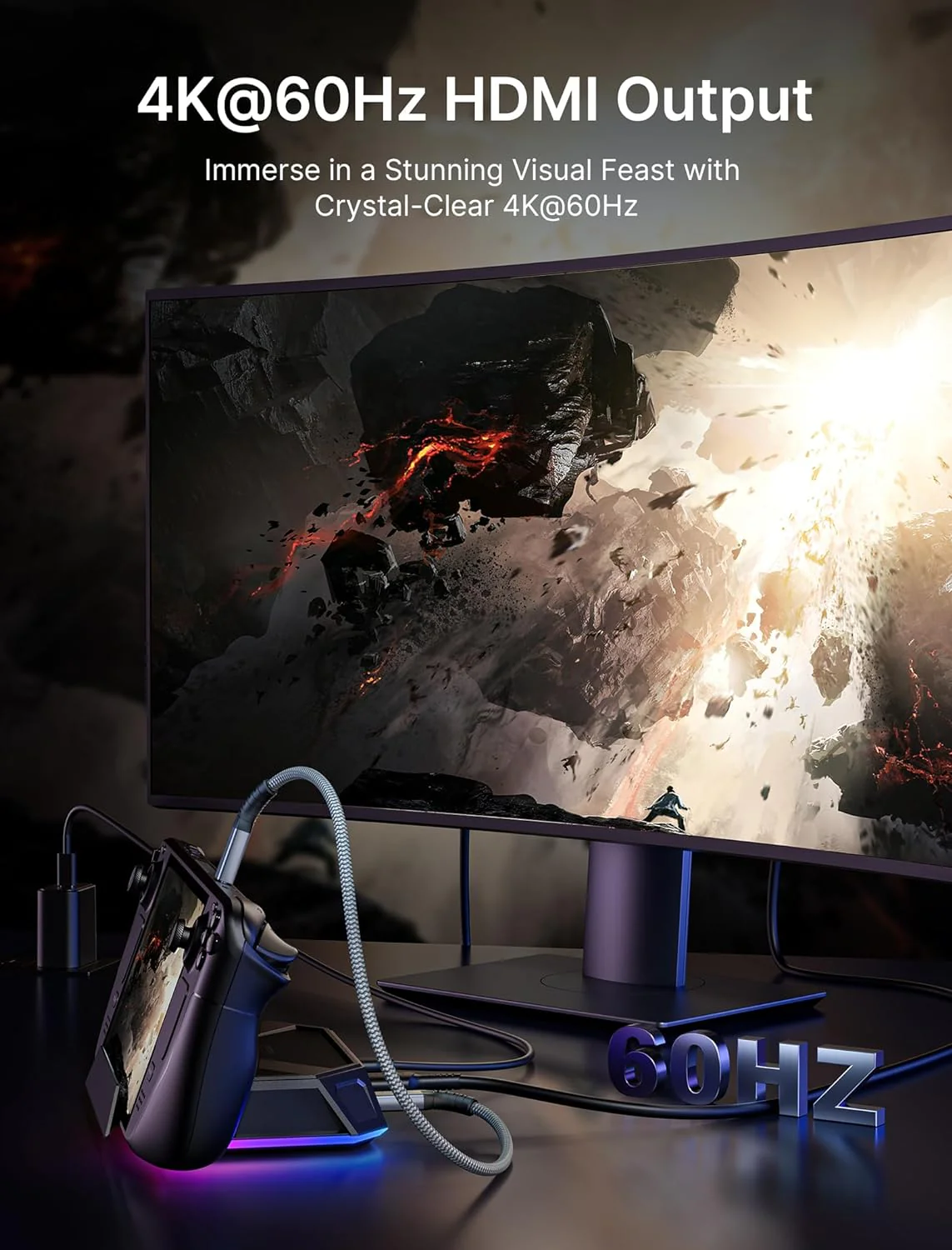
- 【Up to 4K 120Hz Visual Output】The 12-in-1 Pro, 8-in-1 Pro, and 12-in-1 versions support up to 4K@120Hz HDMI output, while the 8-in-1 version supports up to 4K@60Hz. The 12-in-1 Pro and 12-in-1 versions also include DisplayPort, and the Pro versions additionally support ALLM, VRR, QFT, and HDR on compatible displays.
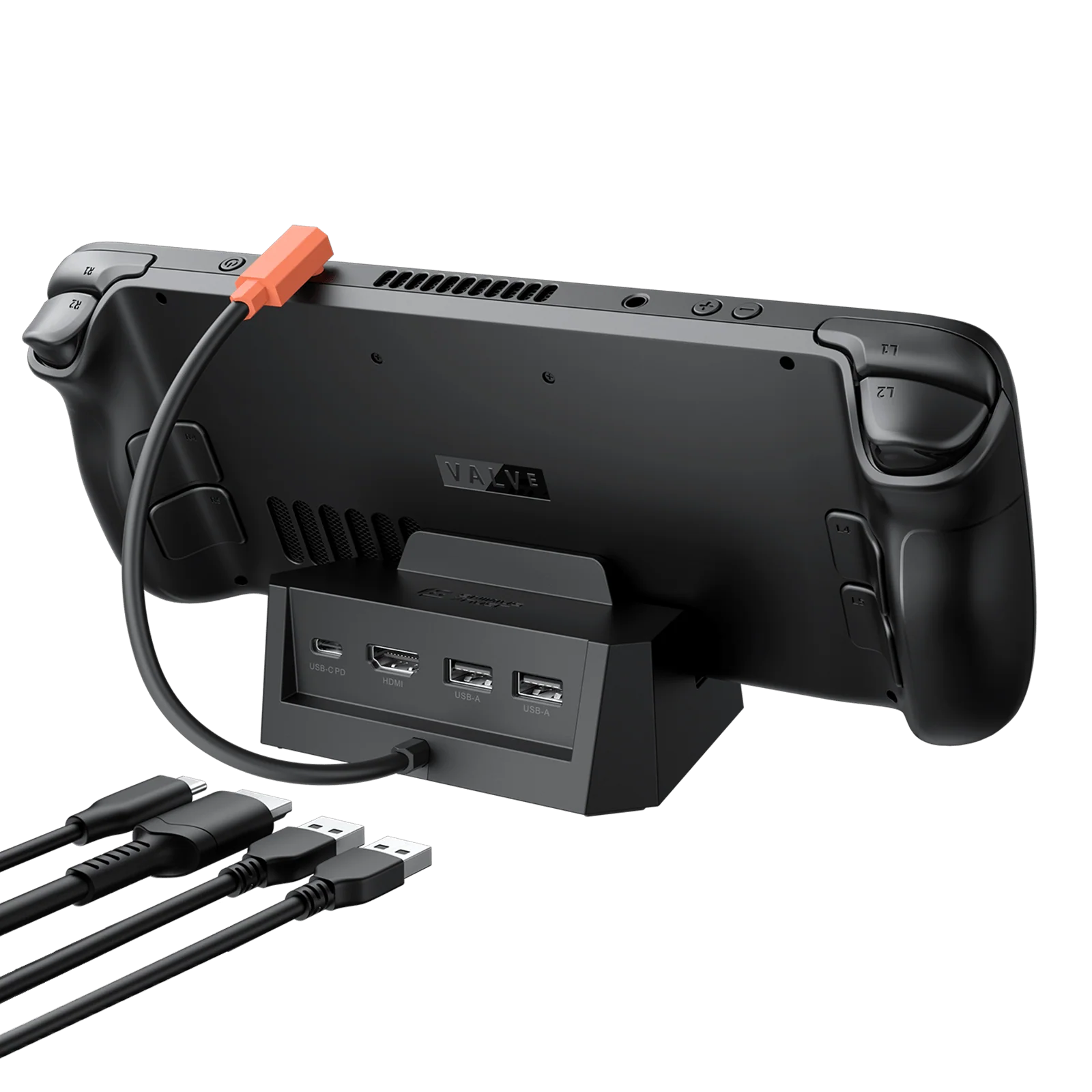
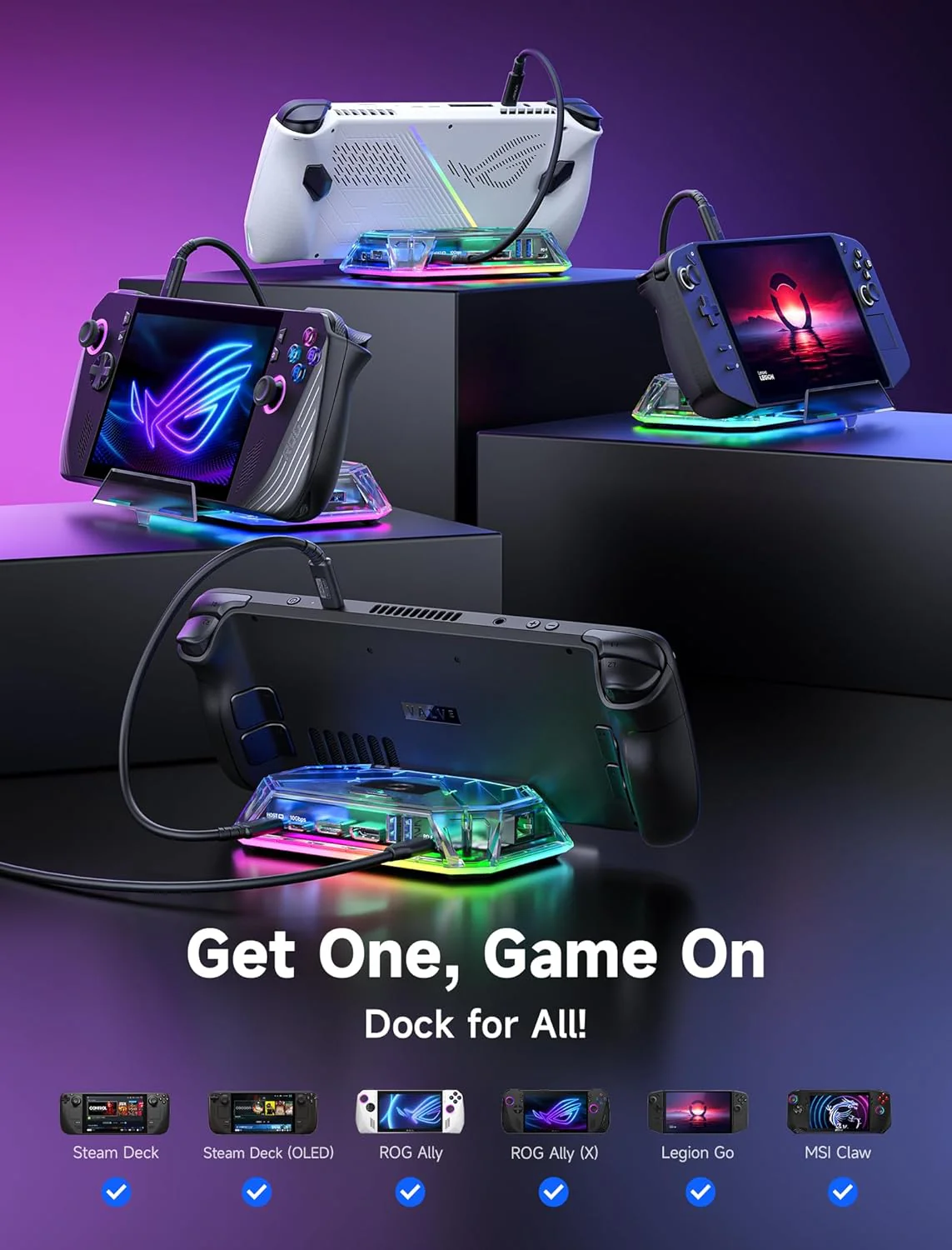
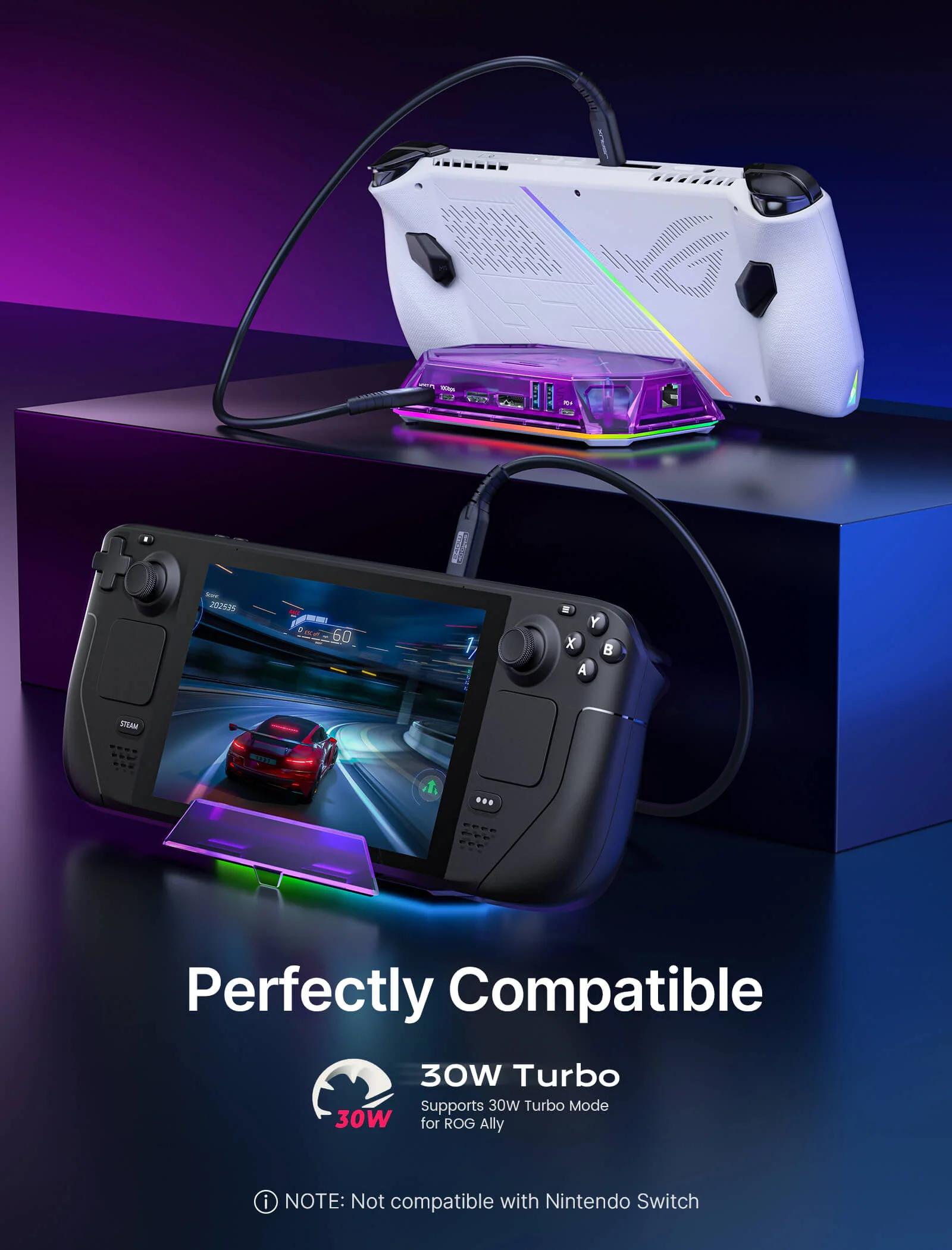
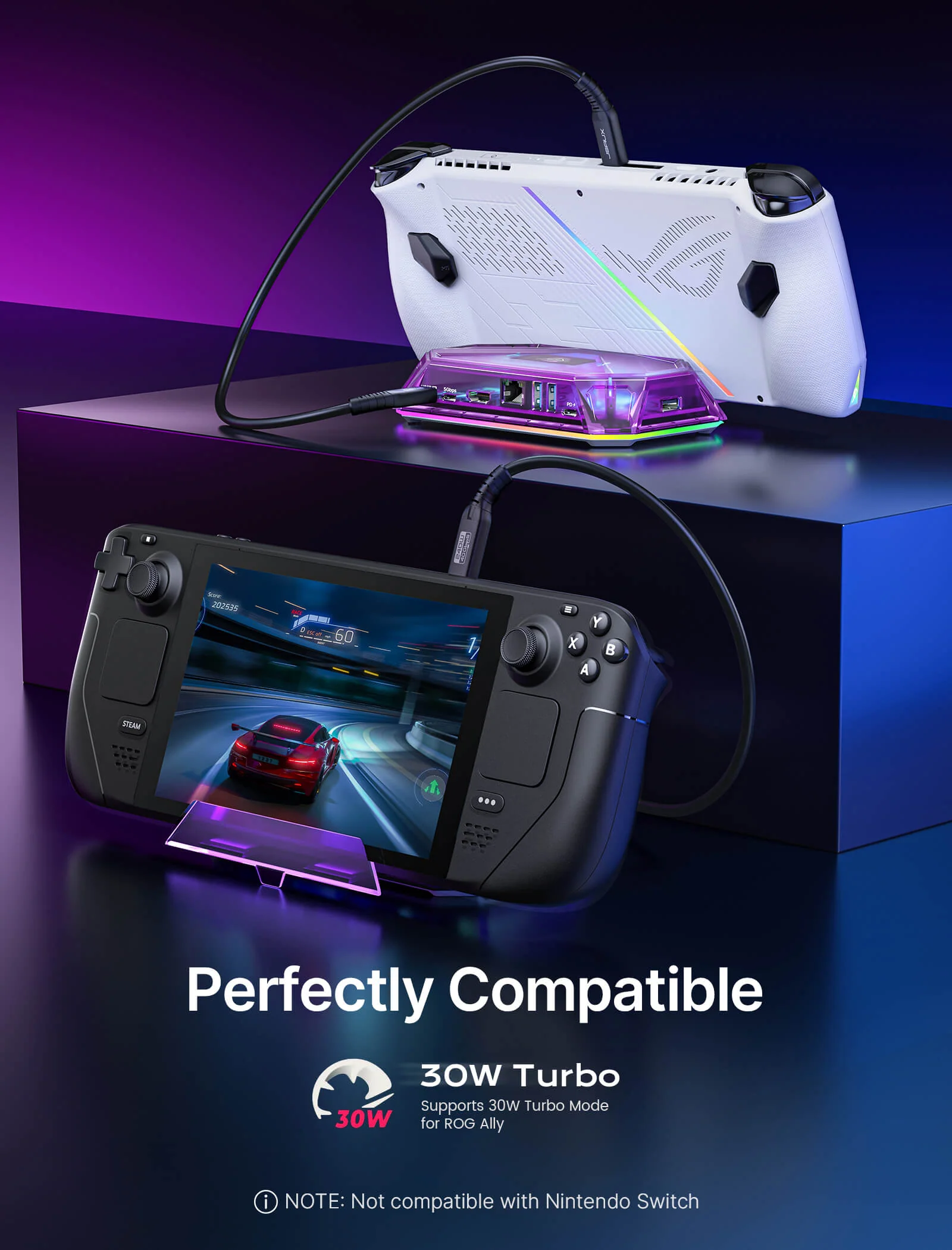
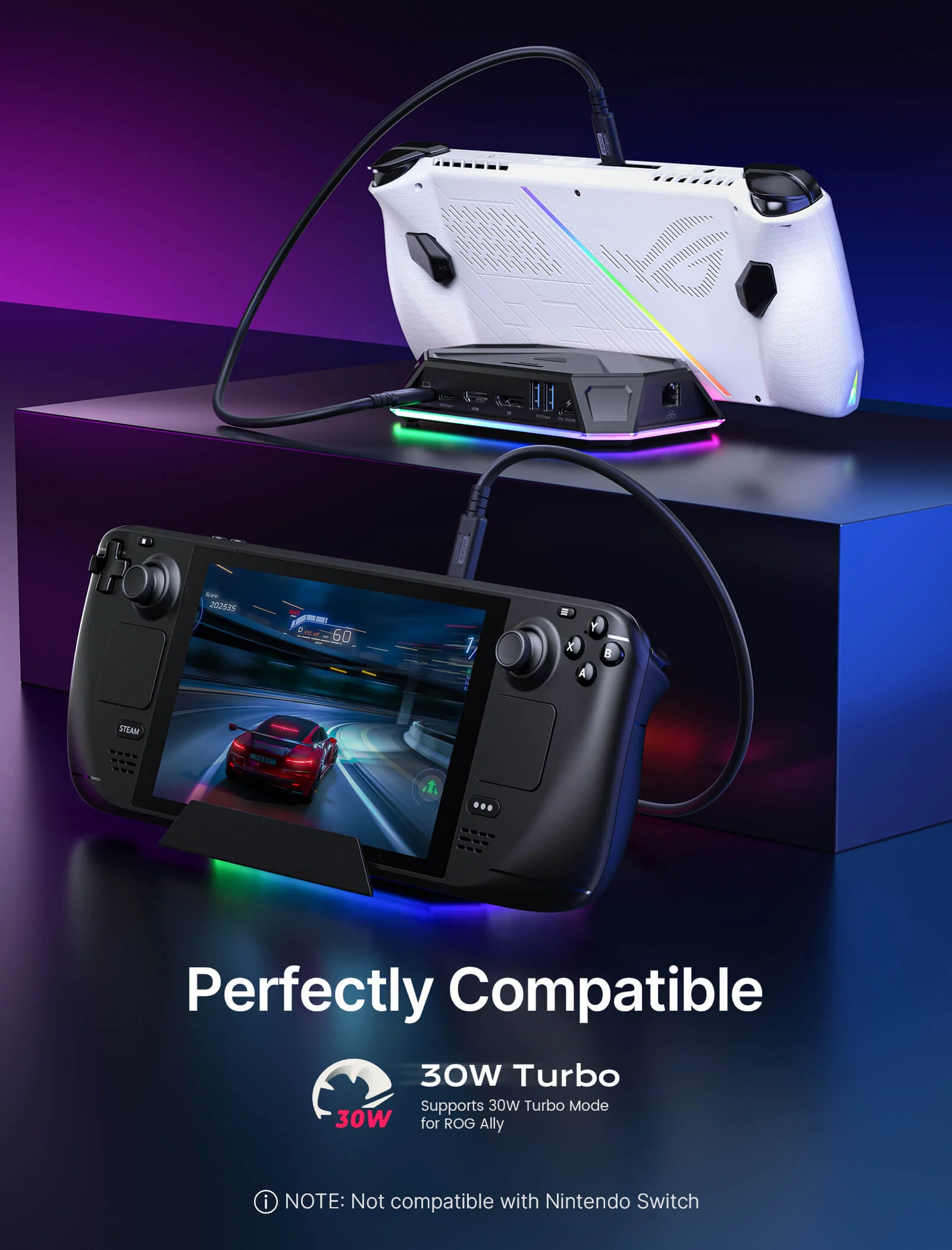
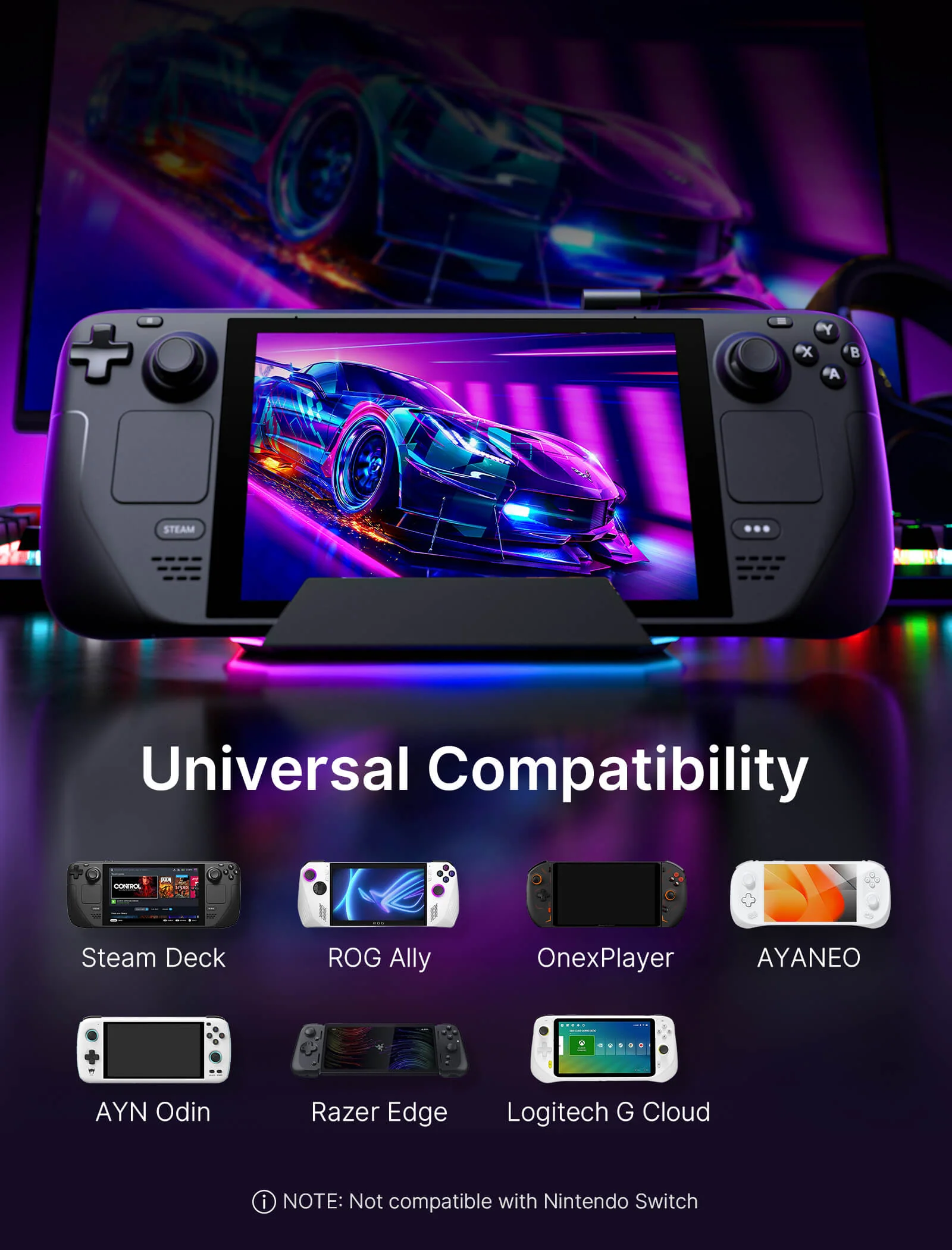
- 【Wide Compatibility with Popular Handhelds and USB-C Devices】Compatible with Steam Deck LCD/OLED, ROG Ally, ROG Ally X, Legion Go, AYANEO devices, iPad, laptops, tablets, and other USB-C devices. Ideal for users who want one versatile dock for handheld gaming, work, streaming, and desktop expansion. Note: Not compatible with Nintendo Switch.
📢Note:
- If you need to adjust the RGB lighting effect, please go to the OpenRGB official website and download the OpenRGB 0.9
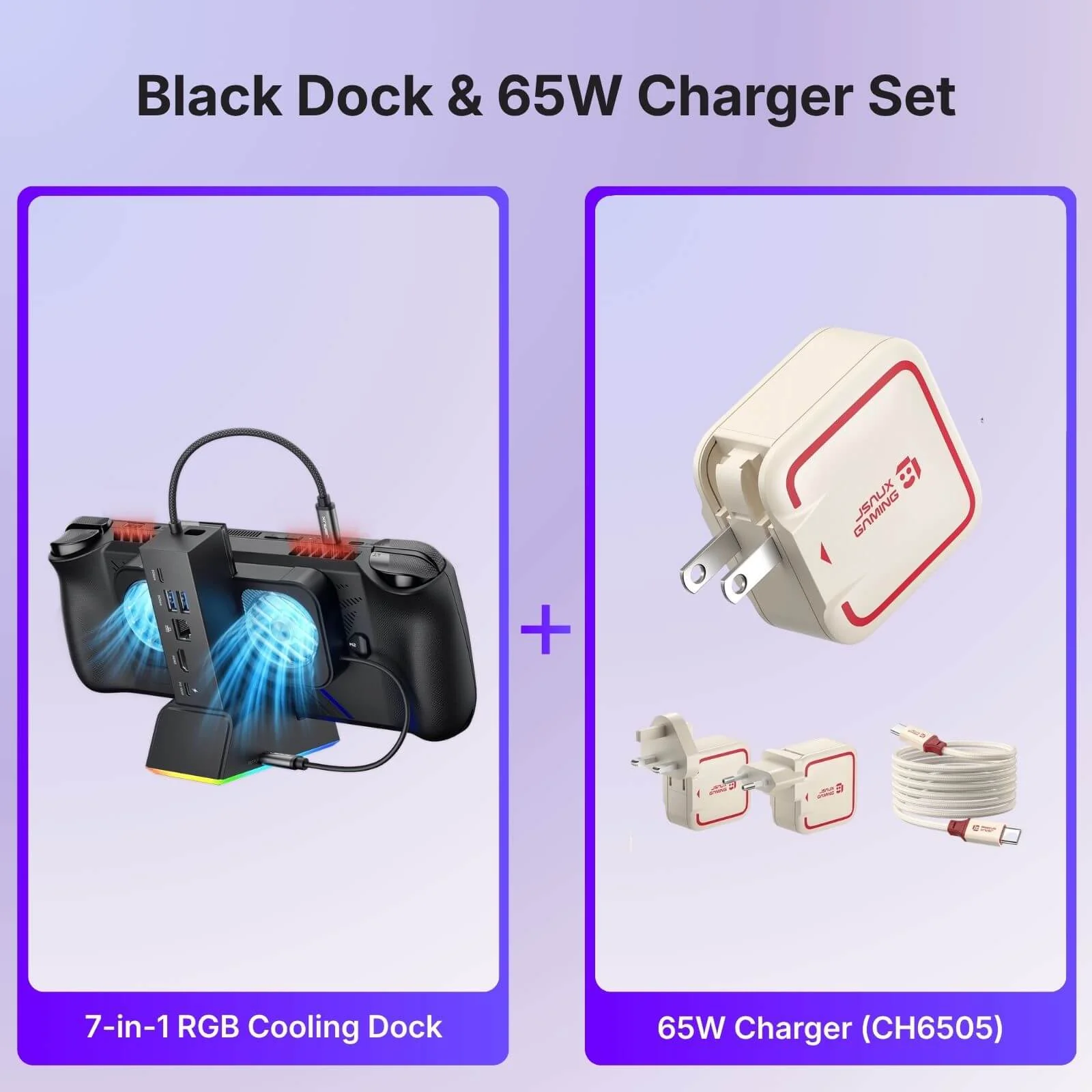
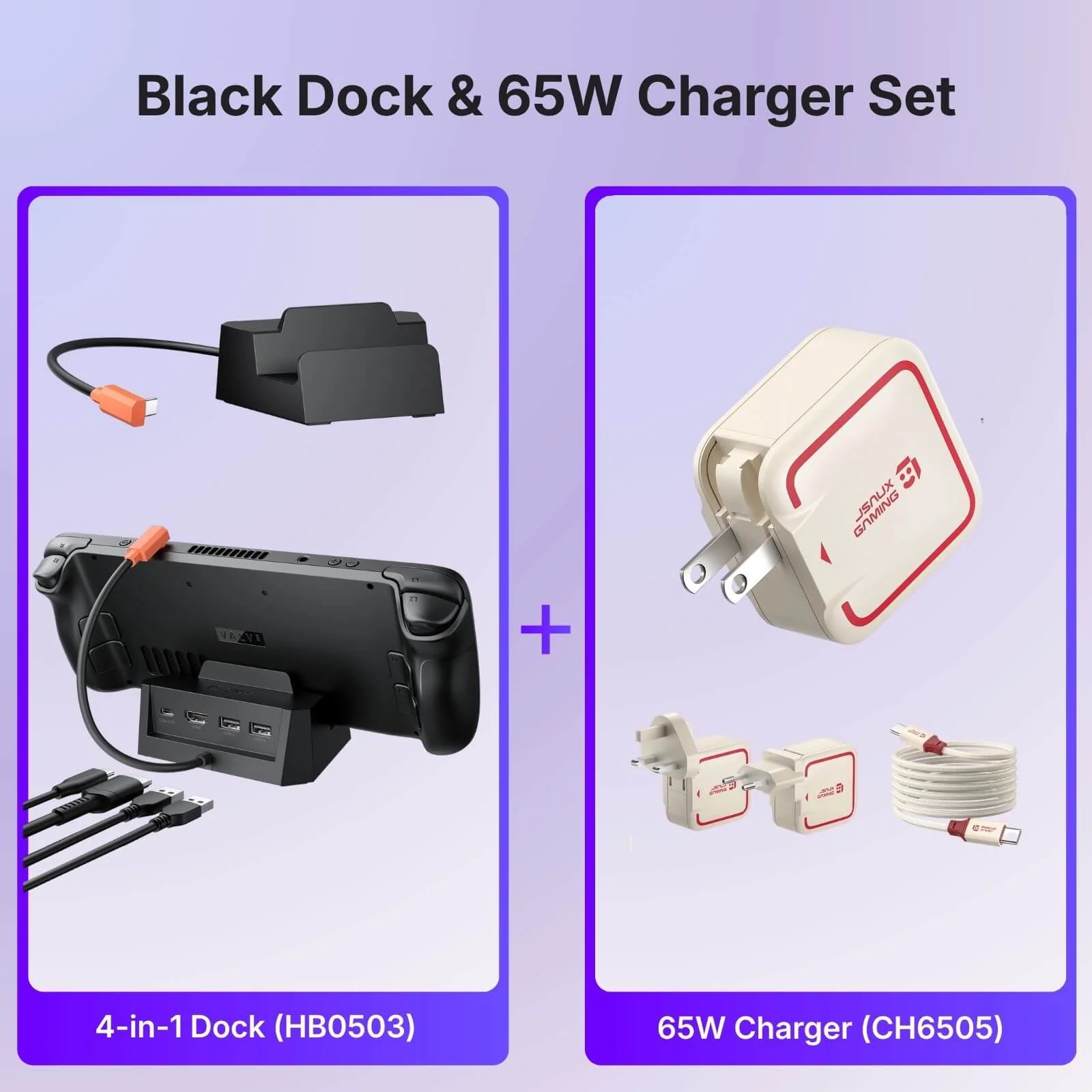
- It is recommended to use a 100W charger to better experience ROG Ally’s high-performance 30W mode.
- Open the off mode through the OpenRGB software and the entire LED will be turned off, Then turn on other modes to light up the LED; if you press the Hub touch button for 2 seconds, all modes will be turned off (you need to press and hold for two seconds to turn on the Hub light effect switch, Then you can debug other modes through OpenRGB.
- If you encounter any operational issues with your docking station, please ensure that your USB-C cable is correctly connected to the designated 'IN-USB-C' port. We highly recommend using the provided USB-C cable to establish a connection with your device to ensure optimal functionality. If you choose to use an alternative USB-C cable, please ensure that it adheres to the USB-C 3.2 standard.
- The interface labels on the docking station may differ slightly from the image, but their functionality remains the same, so there's no need for concern.
- RGB docking stations are only compatible with the bare ROG Ally X/Legion Go2/Legion Go S unit.
Select Style
From $16.10
Original: $45.99
-65%RGB Docking Station—
$45.99
$16.10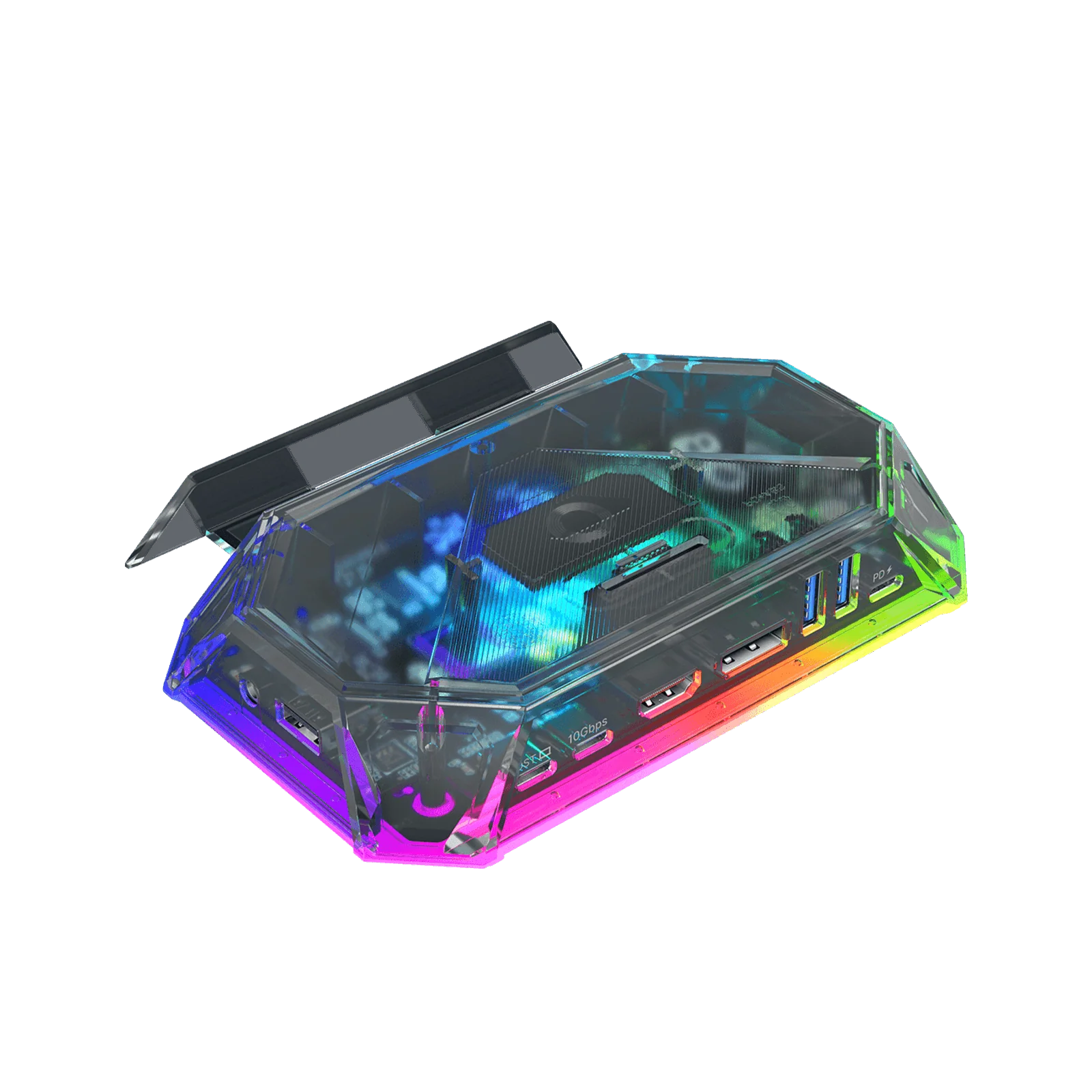
Description
- 【8-in-1 & 12-in-1 Docking Station for Handheld Gaming】Available in 8-in-1 and 12-in-1 configurations, this RGB docking station is built for different gaming and desktop setups. The 12-in-1 versions offer more expansion options including HDMI, DisplayPort, Ethernet, card slots, audio, and charging, while the 8-in-1 versions provide essential connectivity for everyday handheld gaming.
- 【6 RGB Lighting Modes with OpenRGB Support】The Pro versions feature 6 RGB lighting modes, including Direct, Breathing, Rainbow Wave, Spectrum Cycle, Race Cycle, and Stacking. When connected to a PC through the USB-C upstream port, lighting effects can also be customized with OpenRGB software.
- 【High-Speed Data Transfer & 100W PD Charging】The 12-in-1 versions support up to 10Gbps USB 3.2 data transfer, while the 8-in-1 versions support up to 5Gbps transfer for everyday accessories and storage devices. All versions support up to 100W PD input for stable charging during gaming, streaming, and desktop use.
- 【Up to 4K 120Hz Visual Output】The 12-in-1 Pro, 8-in-1 Pro, and 12-in-1 versions support up to 4K@120Hz HDMI output, while the 8-in-1 version supports up to 4K@60Hz. The 12-in-1 Pro and 12-in-1 versions also include DisplayPort, and the Pro versions additionally support ALLM, VRR, QFT, and HDR on compatible displays.
- 【Wide Compatibility with Popular Handhelds and USB-C Devices】Compatible with Steam Deck LCD/OLED, ROG Ally, ROG Ally X, Legion Go, AYANEO devices, iPad, laptops, tablets, and other USB-C devices. Ideal for users who want one versatile dock for handheld gaming, work, streaming, and desktop expansion. Note: Not compatible with Nintendo Switch.
📢Note:
- If you need to adjust the RGB lighting effect, please go to the OpenRGB official website and download the OpenRGB 0.9
- It is recommended to use a 100W charger to better experience ROG Ally’s high-performance 30W mode.
- Open the off mode through the OpenRGB software and the entire LED will be turned off, Then turn on other modes to light up the LED; if you press the Hub touch button for 2 seconds, all modes will be turned off (you need to press and hold for two seconds to turn on the Hub light effect switch, Then you can debug other modes through OpenRGB.
- If you encounter any operational issues with your docking station, please ensure that your USB-C cable is correctly connected to the designated 'IN-USB-C' port. We highly recommend using the provided USB-C cable to establish a connection with your device to ensure optimal functionality. If you choose to use an alternative USB-C cable, please ensure that it adheres to the USB-C 3.2 standard.
- The interface labels on the docking station may differ slightly from the image, but their functionality remains the same, so there's no need for concern.
- RGB docking stations are only compatible with the bare ROG Ally X/Legion Go2/Legion Go S unit.